
|
Do it yourself
| |||
| ||||


|
Model: Yamaha T Max 530
In this video, we see how to reset the service light on the Yamaha T-Max 530: turn on the scooter's dashboard (it is not necessary to start the engine), then use the keypad located on the left side of the handlebars. In fact, on this side we find the "menu" button that we must press for two seconds to enter the menu. Using the directional buttons, scroll through the menu until you reach the "maintenance" option. Confirm by pressing the "menu" button again and go to the mileage. Press the menu button for a few seconds and this will allow us to exit the menu and have the service light reset.
Posted on 21 July 2025 by ScegliAuto
Video tutorial
Related tutorials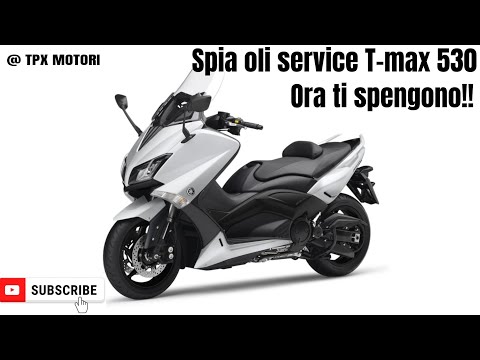
T Max 530
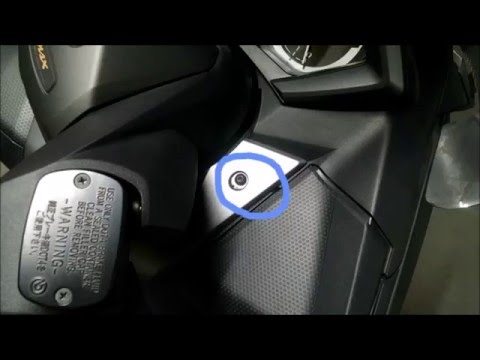
.. light on the Yamaha scooter, specifically the T-Max 530 from 2014. Park the scooter on the stand and begin. First, turn on the ignition and then scroll.. …
T Max 530
.. to remove and replace the battery on a Yamaha T-Max 530, following these simple steps. First, lift the seat and unscrew the screws located on the side.. …

T Max 530
.. warning of the transmission belt of the Yamaha T-Max 530 scooter. First of all, we put the scooter on the center stand and start the instrument panel;.. …
|
How do you reset the Oil Check light on the Sym VF 185?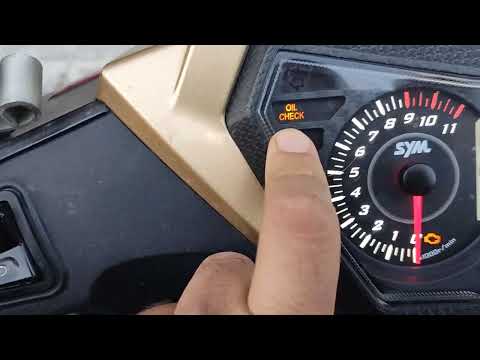
In order to reset the Oil Check light on the Sym VF 185, you need to turn on the instrument panel by turning the key in the ignition switch. Once the panel is on, you can press and hold the button located at the bottom right of the instrument panel for a few seconds. You will need to continue holding the button for a few seconds and then release it before pressing the next button. This will make the Oil Check light disappear from the instrument panel, and you can turn it off again by turning the key in the opposite direction. by ScegliAuto More videos
|
|
For advertising on this site Write to info@scegliauto.com
ScegliAuto is not responsible for any inaccuracy of the data in the lists. To report any inaccuracy or your business (if you own the business in question), please write to info@scegliauto.com
Number of seconds to generate the page: 0.006
(c) ScegliAuto 2026 - info@scegliauto.com - Privacy policy VAT number: IT01247470535 |
