
|
Do it yourself
| |||
| ||||


|
Model: Yamaha Xmax 300
It will be possible to make the Service light disappear completely from the instrument panel of the Yamaha Xmax 300 by turning on the instrument panel, so that it is possible to navigate within the menu on the on-board computer using the TRIP button located at the base of the right handlebar. You will need to proceed until you find the option that shows the remaining oil life: at this point, you will need to press the TRIP button again until the light starts flashing. Now you can release the button and press it again for a few seconds: this way you will notice that the light will be erased.
Posted on 18 September 2025 by ScegliAuto
Video tutorial
Related tutorials
Xmax 300
This short guide will show us how to reset the maintenance service light of the regular oil change for the Yamaha Xmax 300 scooter. First, we put the…

Xmax 300
Today's procedure will allow us to reset the maintenance reminder for the oil change service of the Yamaha Xmax 300 scooter. First, we put the scoote…

Xmax 300
In this video we see how to reset the service light of the Yamaha XMAX 300: turn on the instrument panel without starting the engine, then use the me…
|
How to Replace the Front Headlight on the Husqvarna 701?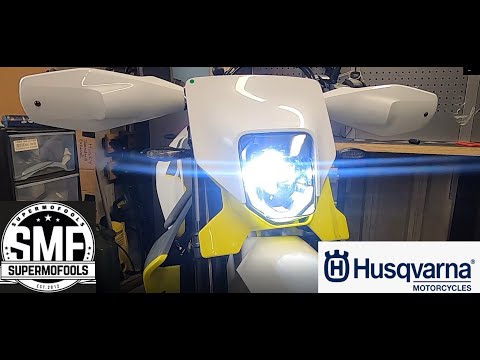
In this tutorial, you will see how to replace the front headlight on the Husqvarna 701, a very simple and quick operation. First, ensure that the key is not inserted, then position yourself in front of the motorcycle, locate the four bolts on either side of the headlamp, and unscrew them using a Torx T30 key. Next, pull the entire assembly towards you, separate it from the support, and disconnect the power connector. At this point, you can separate the headlight from the panel, position the replacement, and reassemble everything by following the reverse procedure. by ScegliAuto More videos
|
|
For advertising on this site Write to info@scegliauto.com
ScegliAuto is not responsible for any inaccuracy of the data in the lists. To report any inaccuracy or your business (if you own the business in question), please write to info@scegliauto.com
Number of seconds to generate the page: 0.005
(c) ScegliAuto 2026 - info@scegliauto.com - Privacy policy VAT number: IT01247470535 |
