
|
Do it yourself
| |||
| ||||


|
Model: Yamaha Tmax 500
In this video tutorial, you can see how to perform a fault code check on a 2006 T Max 500. The first thing you need to do to enter diagnostics is to turn the red button to OFF, so the circuit is off; you need to hold down the two buttons on the instrument panel (RESET and SELECT), then turn on the ignition; continue to hold the buttons even after turning on the ignition. At this point, the DIAG (diagnostics) message will appear; now press the SELECT and RESET buttons together until you enter diagnostics. Now to see if there are any fault codes, scroll to DI 60 with SELECT. If there were any faults, you would see numbers scrolling quickly. For each number that scrolls, you can easily find a page online to know what fault corresponds to that number. To clear the codes, turn the button to ON, and you will hear the pump running, which will clear all faults.
Updated on 15 May 2026 by ScegliAuto
Video tutorial
Related tutorials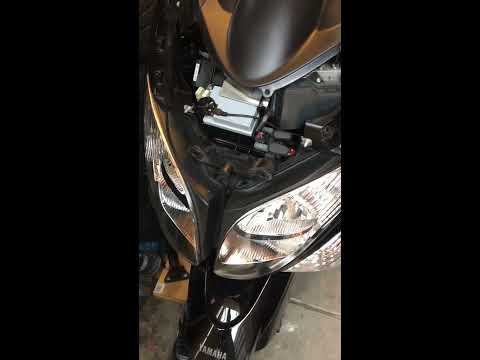
Tmax 500
This video outlines the steps to remove and replace the battery of the Yamaha T-Max 500 first series. First, locate the battery at the front of your …
Tmax 500
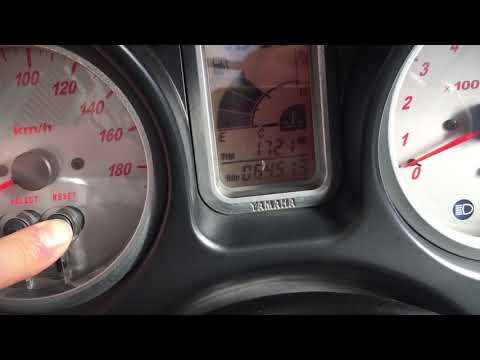
The service light on a motorcycle is even more important than on a car. This is because if a four-wheeled vehicle has problems and stops, it remains …
Tmax 500
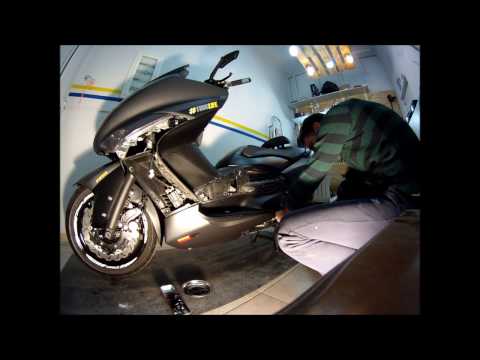
To replace the water pump, first remove all the covers and panels on the left side of the bodywork. Once you have access to the radiator area, there …
|
How to reset the oil light on the Honda SH 125
If the oil light appears on your Honda SH 125 dashboard despite having recently changed the oil, don't worry as you can resolve this minor issue with a simple manual reset procedure. First, turn on the ignition and hold down the "Info A" and "Info B" buttons located at the bottom of the left knob. At this point, press the "Info B" button multiple times until the oil change indicator starts to flash. Finally, press the "Info A" button once to perform the reset. The procedure is now complete. by ScegliAuto More videos
|
|
For advertising on this site Write to info@scegliauto.com
ScegliAuto is not responsible for any inaccuracy of the data in the lists. To report any inaccuracy or your business (if you own the business in question), please write to info@scegliauto.com
Number of seconds to generate the page: 0.005
(c) ScegliAuto 2026 - info@scegliauto.com - Privacy policy VAT number: IT01247470535 |
