
|
Do it yourself
| |||
| ||||


Model: Yamaha Fz6
In this video tutorial, you will see how to remove and replace the battery of the Yamaha FZ6, following the instructions below. First, remove the seat by unscrewing the fixing screws of the tank (located at the top); lift the tank to access the battery, which is located underneath, as shown in the video. At this point, disconnect the battery terminals (positive and negative) and unscrew the bolt found at the bottom; lift and remove the battery, replacing it with a new one (of the same amperage).
Updated on 7 June 2026 by ScegliAuto
Video tutorial
Related tutorials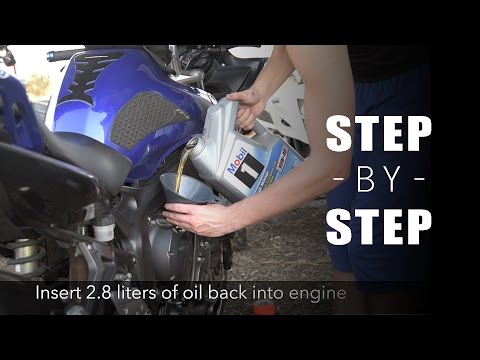
Fz6
In today’s tutorial, see how to replace the engine oil and oil filter while performing routine maintenance on a Yamaha FZ6 and FZ6 Fazer. First, posi…
Fz6
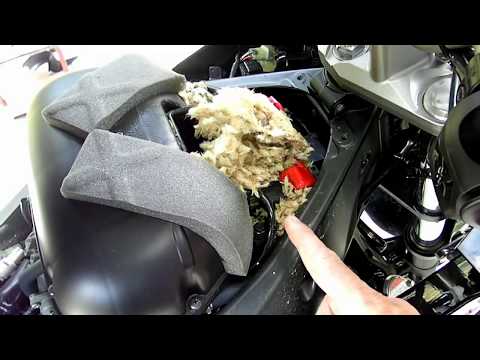
In this video, you will see how to remove and replace the battery on a Yamaha FZ6, including the Fazer version. First, remove the motorcycle seat by …

Fz6
Replacing the battery in the Yamaha FZ6, as shown in this tutorial, is a very simple and quick operation. First, ensure that the key is not inserted,…
|
How to Turn Off the "V-Belt" Warning Light on a Yamaha X-MAX 400 Scooter?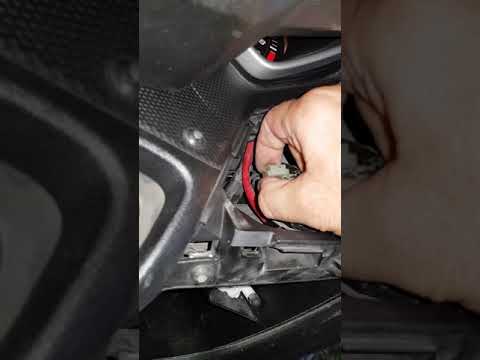
In this tutorial, learn how to turn off the "V-Belt" warning light on the Yamaha X-MAX scooter's instrument panel, a very simple and quick operation. Before doing this, ensure you have completed the required maintenance, specifically replacing the drive belt. Start by inserting the key and turning on the ignition, then open the small right glove compartment and unscrew the screw for the upper cover. Once removed, locate the white connector with a jumper attached, disconnect it, wait about 10 seconds, and reconnect it. If successful, the warning light will disappear. by ScegliAuto More videos
|
|
For advertising on this site Write to info@scegliauto.com
ScegliAuto is not responsible for any inaccuracy of the data in the lists. To report any inaccuracy or your business (if you own the business in question), please write to info@scegliauto.com
Number of seconds to generate the page: 0.012
(c) ScegliAuto 2026 - info@scegliauto.com - Privacy policy VAT number: IT01247470535 |
