
|
Do it yourself
| |||
| ||||


How to Replace the Number Plate Bulbs on an Alfa Romeo 159
Model: Alfa Romeo Giulietta
MK 1
- Years 2010-2020
How to replace the number plate bulbs on an Alfa Romeo 159? In this video, we will see how to replace them: using a lever, press the clips securing the plastic light located in the rear bumper above the car's number plate (unscrew the securing screws). Once the transparent light cover is removed, extract the bulb from it (using your fingers). Install the new bulb or LED (same size and voltage) into the bulb holder; remount the light in the metal of the tailgate (press the light until it clicks into the plastic of the bumper). Test the correct operation of the previously installed bulb.
Updated on 11 March 2026 by ScegliAuto
This video is currently unavailable
Related tutorials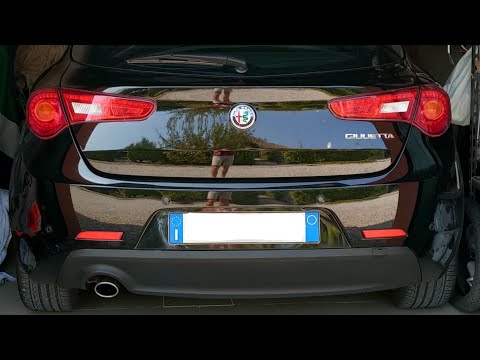
Alfa Romeo Giulietta
(2010-2020 /
MK 1)
Replacing the number plate light on an Alfa Romeo Giulietta follows a very simple and quick procedure that can be done independently, thanks to this …
Alfa Romeo Giulietta
(2010-2020 /
MK 1)
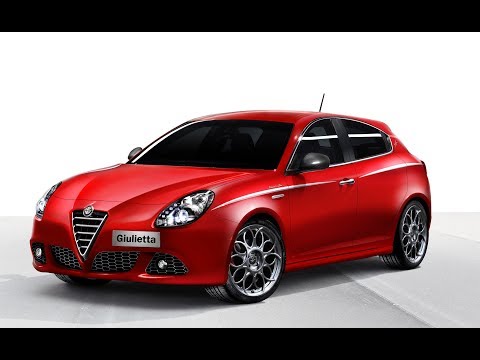
Are the fog light bulbs blown? Here’s how to change them on an Alfa Romeo Giulietta. Unscrew the securing screws in the plastic of the fog light with…

Alfa Romeo Giulietta
(2010-2020 /
MK 1)
Learn how to proceed with the removal of the front headlamp bulbs on an Alfa Romeo Giulietta. Open the bonnet by pulling the bonnet release lever and…
Other guides you may be interested in
|
Where is the Spare Wheel in the Peugeot 5008?
This video shows where the spare wheel is located in the Peugeot 5008 and how to access it, useful in case of a puncture. As shown, the wheel is not in the usual boot compartment but underneath it, outside the vehicle. To free the wheel, first gather the tools provided, then open the boot, locate the small indicated hatch, and open it. Next, loosen the bolt just released using the large socket wrench enough to lower the wheel to the ground. by ScegliAuto More videos
|
|
For advertising on this site Write to info@scegliauto.com
ScegliAuto is not responsible for any inaccuracy of the data in the lists. To report any inaccuracy or your business (if you own the business in question), please write to info@scegliauto.com
Number of seconds to generate the page: 0.068
(c) ScegliAuto 2026 - info@scegliauto.com - Privacy policy VAT number: IT01247470535 |
