
|
Do it yourself
| |||
| ||||


How to Replace the Dashboard Bulb in an Alfa Romeo 156
Model: Alfa Romeo 156
MK 1
- Years 1997-2007
Before starting, sit in the driver's seat of your Alfa Romeo 156. Begin by unclipping and removing the entire central dashboard frame, then unclip the gaiter of the gear lever. This will allow you to access the screws that secure the central instrument panel, which you will need to unscrew and remove to extract the instrument cluster itself. This will give you access to the back of the blown bulb, which you will need to remove. To install the new bulb and reassemble everything, simply follow these steps in reverse, and you will have completed the replacement.
Updated on 8 April 2026 by ScegliAuto
Video tutorial
Related tutorials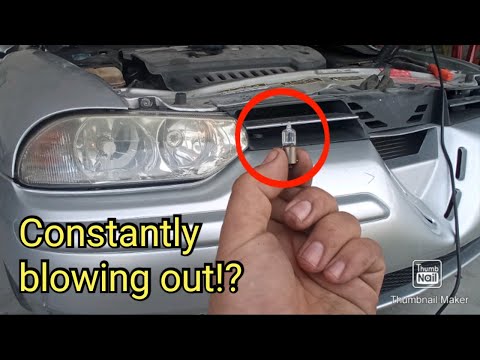
Alfa Romeo 156
(1997-2007 /
MK 1)
Follow this guide for instructions on how to remove and replace the front headlamp bulbs on your Alfa Romeo 156. First, open the bonnet of your car a…
Alfa Romeo 156
(1997-2007 /
MK 1)
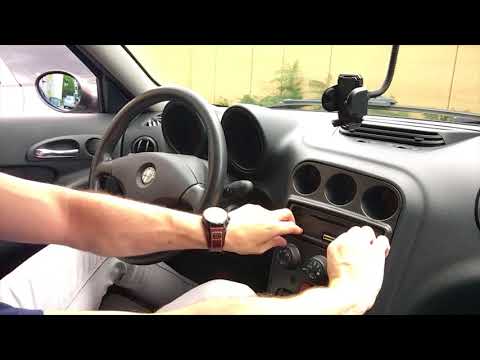
Today, in this video tutorial, you will see how to remove and replace the lights of the speedometer in an Alfa Romeo 156. To do this, simply unscrew …
Alfa Romeo 156
(1997-2007 /
MK 1)
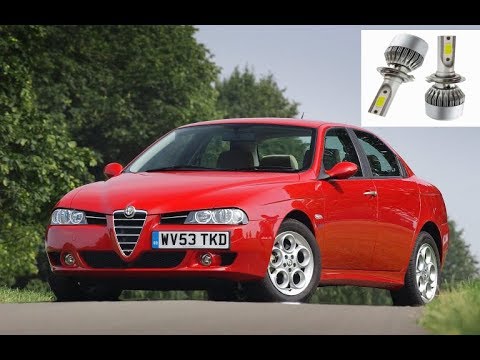
To replace the front headlamp bulb on the Alfa Romeo 156, open the bonnet to access the engine bay. Here, remove the plastic cap located inside the h…
Other guides you may be interested in
|
How to Reset the Tyre Pressure Light on the Opel Grandland X
While driving, if you notice the tyre pressure warning light coming on, first check the actual inflation pressure of the tyres and, if necessary, restore the pressures recommended by the manufacturer. After restoring the correct pressures, you need to reset the warning light that has illuminated on the instrument cluster. To do this, locate the reset button on the lower central console. Press this button and hold it down for at least 3 seconds, after which the low pressure indication will turn off. by ScegliAuto More videos
|
|
For advertising on this site Write to info@scegliauto.com
ScegliAuto is not responsible for any inaccuracy of the data in the lists. To report any inaccuracy or your business (if you own the business in question), please write to info@scegliauto.com
Number of seconds to generate the page: 0.082
(c) ScegliAuto 2026 - info@scegliauto.com - Privacy policy VAT number: IT01247470535 |
