
|
Do it yourself
| |||
| ||||


How to Replace the Key Battery of an Aston Martin
Model: Aston Martin Vantage
MK 2
- Years 2020-2026
Start by removing the top cover of the key using a thin but sturdy tool. Then, using a flathead screwdriver, pry apart the two halves of the key. This will give you access to the exhausted battery (CR 2032). At this point, remove it using the thin but sturdy tool. Once the exhausted battery is removed, install the new battery. To install the new battery and close the key, simply follow these steps in reverse. This way, you will have successfully completed the replacement.
Updated on 23 April 2026 by ScegliAuto
Video tutorial
Related tutorials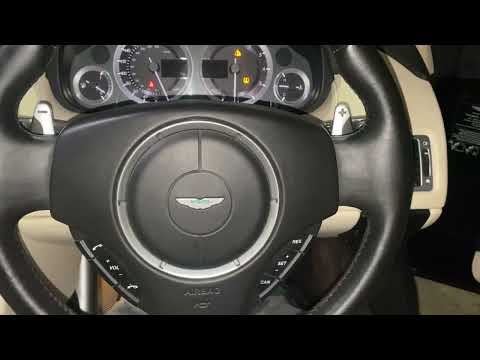
Aston Martin Vantage
(2005-2017 /
MK 1)
In this guide dedicated to your Aston Martin Vantage, you will learn how to correctly change the cabin air filter. To complete the operation, follow …

Aston Martin Vantage
(2020-2026 /
MK 2)
In this video, we will see how much it would cost to maintain an Aston Martin Vantage. Naturally, starting with the not insignificant sum of just und…
Aston Martin Vantage
(2020-2026 /
MK 2)
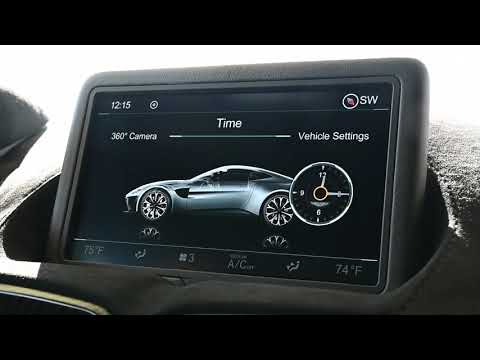
If the infotainment system display on your 2020 Aston Martin Vantage shows the wrong time and you are wondering how to change it manually, read this …
Other guides you may be interested in
|
How to reset the tire pressure sensor of the Hyundai Tucson
Below we will discover the instructions that will allow us to reset the tire pressure warning light (TPMS) of the Hyundai Tucson. First of all, we get into the car and turn on the instrument panel; then we go to the vehicle settings until we reach the tire pressure monitor, identifying the tire with the incorrect pressure. At this point, we proceed to restore all tire pressures, following the pattern indicated on the label; in this way the TPMS system will be reset and the warning light will be reset by the instrument panel! by ScegliAuto More videos
|

|
For advertising on this site Write to info@scegliauto.com
ScegliAuto is not responsible for any inaccuracy of the data in the lists. To report any inaccuracy or your business (if you own the business in question), please write to info@scegliauto.com
Number of seconds to generate the page: 0.184
(c) ScegliAuto 2026 - info@scegliauto.com - Privacy policy VAT number: IT01247470535 |
