
|
Do it yourself
| |||
| ||||



Resetting the Tyre Pressure Monitoring System on an Audi A5
Model: Audi A5
8W6
- Years:
2018, 2019, 2020, 2021, 2022, 2023, 2024, 2025
Video tutorial
Today, you will see, thanks to this very short tutorial, how to reset the tyre pressure monitoring system on an Audi A5, model produced from 2018 onwards. So, let's start by turning on the vehicle's ignition, then press the "MENU" button located on the central console to open the menu on the multimedia display of the dashboard. Once done, use the central knob to select the "vehicle" option and then the "tyre pressure monitoring" option, then select "set tyre pressure" and finally confirm the operation to execute and complete the reset.
Updated on 23 October 2026 by ScegliAuto
Related tutorials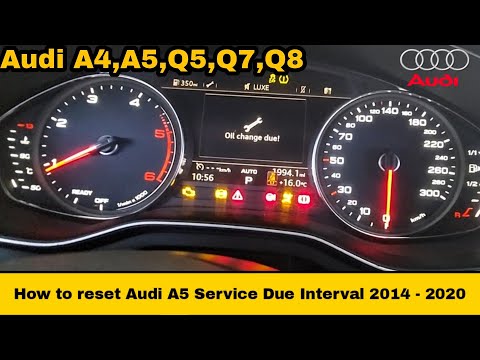
Audi A5
(2007-2016 /
8T8, 8T, 8T3, 8F)
Resetting the service light on an Audi A5 follows the same procedure used for other Audi models, as this is one of the common features of these vehic…
Audi A5
(2007-2016 /
8T8, 8T, 8T3, 8F)
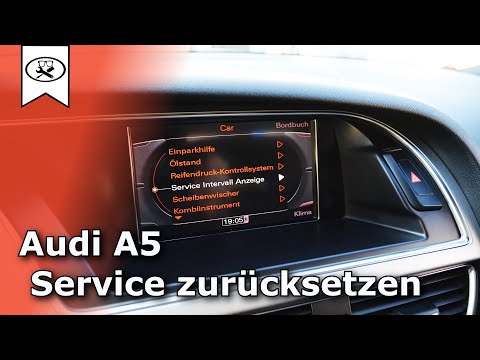
This guide briefly outlines the instructions to reset the service light for the routine maintenance oil change on the Audi A5. First, get inside the …

Audi A5
(2018-2025 /
8W6)
In today's video, learn how to reset the service light on an Audi A5, model produced from 2016 onwards. First, turn on the vehicle's ignition, then p…
Other guides you may be interested in |
How to Reset the Tyre Pressure Warning Light on the Jeep Renegade?
To reset the tyre pressure warning light on the Jeep Renegade, inflate the tyres until they reach the recommended pressure: this value is indicated on the sticker attached to the driver’s door pillar. Once the tyres are properly inflated, navigate through the menu that appears on the instrument cluster until you find the tyre pressure option. At this point, press and hold the OK button on the right side of the steering wheel to make the warning light disappear. by ScegliAuto More videos
|
|
For advertising on this site Write to info@scegliauto.com
ScegliAuto is not responsible for any inaccuracy of the data in the lists. To report any inaccuracy or your business (if you own the business in question), please write to info@scegliauto.com
Number of seconds to generate the page: 0.098
(c) ScegliAuto 2026 - info@scegliauto.com - Privacy policy VAT number: IT01247470535 |
