
|
Do it yourself
| |||
| ||||


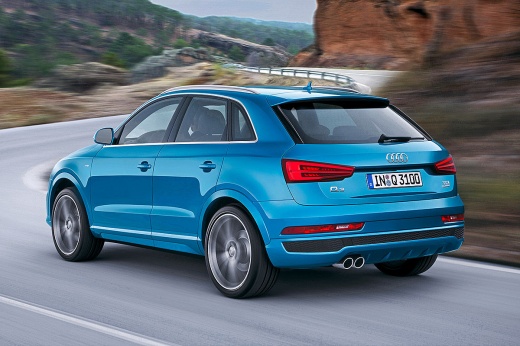
How to disable the Start&Stop of the Audi Q3
Model: Audi Q3
8U
- Years:
2011, 2012, 2013, 2014, 2015, 2016, 2017, 2018
Video tutorial
Today we will explain how to deactivate the start&stop system of the Audi Q3 model 8U. We connect the OBD socket to the diagnostic computer via Bluetooth and access it from the computer. We select the vehicle model on which we want to make the modification and select the bit display. We enter the number to deactivate the system; we start the module and when the coding has started, we select the "Start&Stop indication" from the menu and select the "off" option. We save the changes and return to the main menu. We disconnect the OBD socket from the computer and start the vehicle engine to check that the system has been deactivated.
Posted on 9 August 2025 by ScegliAuto
Related tutorials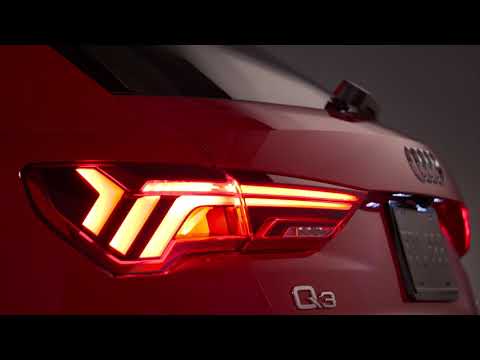
Audi Q3
(2011-2018 /
8U)
The start & stop function is designed to improve fuel efficiency by reducing emissions by temporarily shutting off the engine when it is not needed. …
Audi Q3
(2018-2025 /
F3)
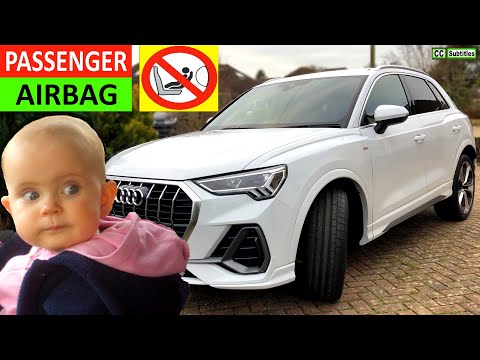
To disable the passenger airbag on the Audi Q3, open the glove compartment located on the front passenger side. Inside the compartment, in the upper …
Audi Q3
(2018-2025 /
F3)
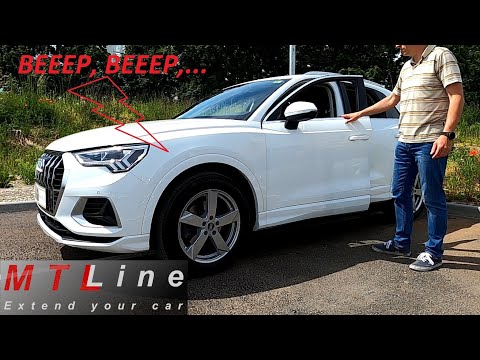
To disable the anti-theft alarm of the Audi Q3, there is no procedure that can be performed using the commands on the vehicle's onboard computer. You…
Other guides you may be interested in |
How to Remove the Toll Tag Holder from the Car Windscreen
The toll tag holder is usually attached to the car windscreen to ensure that the toll tag functions immediately when passing through barriers. However, if you decide to remove the holder, you should follow this procedure: - Insert the toll tag into the holder; - Pull the holder inwards to detach it from the windscreen; you can use a glass scraper or a stiff plastic card to assist you; After removing the holder, it is essential to remove the adhesive from the windscreen. To remove the adhesive, we recommend using a solvent-based spray that will remove the glue without clouding the area. by ScegliAuto More videos
|
|
For advertising on this site Write to info@scegliauto.com
ScegliAuto is not responsible for any inaccuracy of the data in the lists. To report any inaccuracy or your business (if you own the business in question), please write to info@scegliauto.com
Number of seconds to generate the page: 0.170
(c) ScegliAuto 2026 - info@scegliauto.com - Privacy policy VAT number: IT01247470535 |
