
|
Do it yourself
| |||
| ||||



How to Disable the Audi Q3 Anti-Theft Alarm?
Model: Audi Q3
F3
- Years:
2018, 2019, 2020, 2021, 2022, 2023, 2024, 2025
Video tutorial
To disable the anti-theft alarm of the Audi Q3, there is no procedure that can be performed using the commands on the vehicle's onboard computer. You will need to connect a diagnostic tool to the OBD port located under the steering column. Once the scanner is connected, you can follow the steps shown in the video. By selecting the specific car model and its version, you can disable the alarm and then disconnect the scanner.
Updated on 22 September 2026 by ScegliAuto
Related tutorials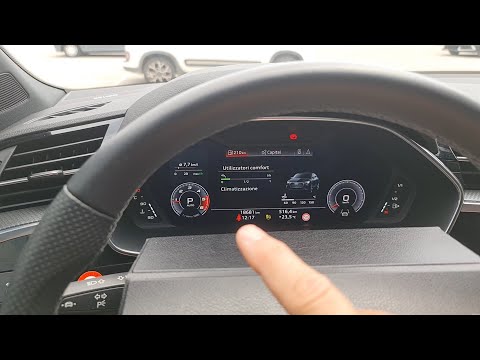
Audi Q3
(2018-2025 /
F3)
In this video, you will learn how to disable the chime that alerts you when the seatbelt is not fastened on the Audi Q3. This is just to eliminate th…

Audi Q3
(2011-2018 /
8U)
In this tutorial, you will learn how to disable the passenger airbag in the Audi Q3, a very simple and quick operation that must be done after instal…
Audi Q3
(2018-2025 /
F3)
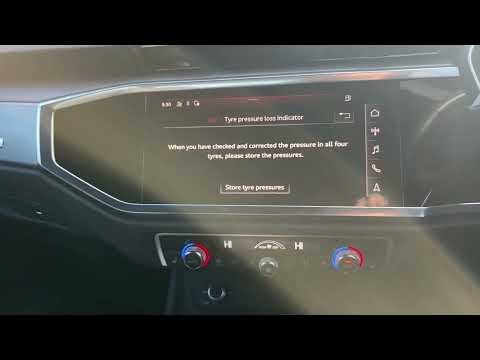
In this tutorial, you will see how to reset the tire warning light in an Audi Q3, a very simple and quick operation that should only be done after re…
Other guides you may be interested in |
How to Open the Fuel Filler Flap in the Hyundai i30?
In this tutorial, you will learn how to open the fuel filler flap in the Hyundai i30, a very simple operation that follows the typical procedure of most vehicles. First, unlock the locks using the designated button on the remote, then open the driver's door, locate the release lever on the left side of the seat, and operate it. Next, move to the fuel filler flap, open it completely, unscrew the cap, and refuel as needed. To close the flap, simply press it gently. by ScegliAuto More videos
|
|
For advertising on this site Write to info@scegliauto.com
ScegliAuto is not responsible for any inaccuracy of the data in the lists. To report any inaccuracy or your business (if you own the business in question), please write to info@scegliauto.com
Number of seconds to generate the page: 0.098
(c) ScegliAuto 2026 - info@scegliauto.com - Privacy policy VAT number: IT01247470535 |
