
|
Do it yourself
| |||
| ||||


Replacing the CV Joint on the Wheel Side
Model: Audi A4
B6
- Years:
2000, 2001, 2002, 2003, 2004
Video tutorial
Lift the vehicle on appropriate jack stands and remove the front wheel where the repair will be made. Then, unscrew the central fastening bolt of the axle to the hub and proceed to remove the plastic splash shield from under the engine compartment to access the joint from the transmission side. At this point, unscrew the fastening bolts of the joint to the transmission and extract it from its seat and then from the hub side. Remove the boot from the wheel side joint and extract the joint itself; then slide the new boot onto the joint and install the new joint onto the axle after filling it with the appropriate grease; secure the boot with clamps and proceed in reverse for the axle installation.
Updated on 10 February 2026 by ScegliAuto
Related tutorials
Audi A4
(2000-2004 /
B6)
To comfortably replace the rear stabilizer link, lift the vehicle on a hydraulic lift and remove the rear wheel; then, unscrew the nut that secures t…

Audi A4
(1994-2000 /
B5)
Remove the wheel on the affected side and lift the vehicle. Take off the brake caliper from the brake rotor using some WD-40 and unscrewing the mount…
Audi A4
(2007-2016 /
B8)
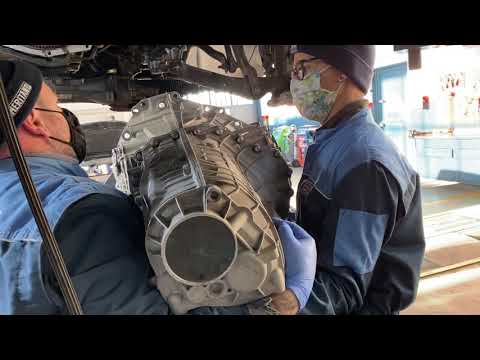
To remove the automatic transmission from an Audi A4, you must first remove the front suspension, the half shafts, and the catalytic converter. Other…
Other guides you may be interested in
|
How to Set the Time in an Audi A4?
In this tutorial, you will see how to set the time in an Audi A4, a very simple and quick operation to perform after replacing the battery or when the time changes. First, insert the key and turn on the instrument cluster. Then, press the "SETUP" button located on the center console. Next, press the upper left arrow button, navigate to the "Time" option, and use the central knob to adjust the clock. Finally, set any necessary formats and save by returning to the main screen. by ScegliAuto More videos
|
|
For advertising on this site Write to info@scegliauto.com
ScegliAuto is not responsible for any inaccuracy of the data in the lists. To report any inaccuracy or your business (if you own the business in question), please write to info@scegliauto.com
Number of seconds to generate the page: 0.049
(c) ScegliAuto 2026 - info@scegliauto.com - Privacy policy VAT number: IT01247470535 |
