
|
Do it yourself
| |||
| ||||


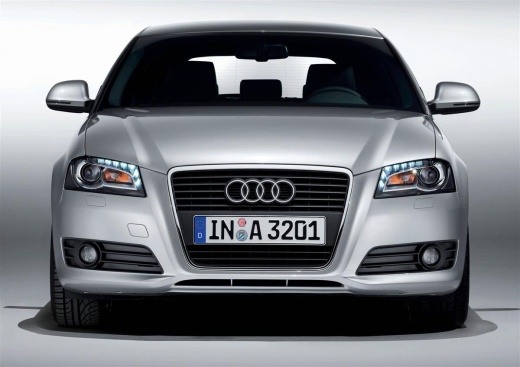
How to change the cabin filter in the Audi A3?
Model: Audi A3
8P, MK 2
- Years:
2003, 2004, 2005, 2006, 2007, 2008, 2009, 2010, 2011, 2012, 2013
Video tutorial
In this video, you will learn how to change the cabin filter in the Audi A3. The procedure is very simple. First, position yourself on the passenger side and open the glove compartment. Inside, there is a slot where the cover of the filter to be replaced is located. You need to first remove this cover using a special pliers, as the space is limited, making it difficult to do this with your hands. This task is made easier by the presence of some levers that allow you to pull out the cover without issues. After this step, you can see the filter and slide it out, taking care to do so gently. At this point, simply insert the new filter and reverse the procedures to complete the job.
Updated on 21 July 2026 by ScegliAuto
Related tutorials
Audi A3
(2003-2013 /
8P, MK 2)
In the following mini guide, we will help you complete the replacement of the cabin air filter in your Audi A3. First of all, make sure you have purc…

Audi A3
(2012-2019 /
8V, MK 3)
In this guide, you will learn how to replace the cabin air filter in your Audi A3. First, get into the car and access the front passenger seat, then …

Audi A3
(2003-2013 /
8P, MK 2)
Removing the cabin air filter? Here’s how to remove the filter from under the glove compartment of the A3. Remove the cloth located at the bottom of …
Other guides you may be interested in
|
How to reset the tyre pressure warning light on the Kia Niro EV?
To reset the tyre pressure warning light on the Kia Niro EV, inflate the tyres until they reach the correct pressure value. This value is indicated on the sticker attached to the driver's door pillar. Once the tyres are inflated, turn on the instrument cluster to check that the warning light has completely disappeared from the display. If it is still present, you may need to drive for a few miles to ensure it disappears completely from the screen. by ScegliAuto More videos
|
|
For advertising on this site Write to info@scegliauto.com
ScegliAuto is not responsible for any inaccuracy of the data in the lists. To report any inaccuracy or your business (if you own the business in question), please write to info@scegliauto.com
Number of seconds to generate the page: 0.025
(c) ScegliAuto 2026 - info@scegliauto.com - Privacy policy VAT number: IT01247470535 |
