
|
Do it yourself
| |||
| ||||


|
Briefly, we will see the instructions that will allow us to identify the positioning and layout of the fuses in the Audi A4. First, let's locate the internal fuse box; we can find it on the side of the dashboard by removing the plastic cover to access it, as shown in the video. We find another fuse box in the engine compartment, positioned at the top right; the video shows the layout and diagram of the fuses, which associates each individual fuse with a code and its corresponding amperage. The diagram is also available in the vehicle's user manual!
Posted on 2 August 2023 by ScegliAuto
Video tutorial
Related tutorials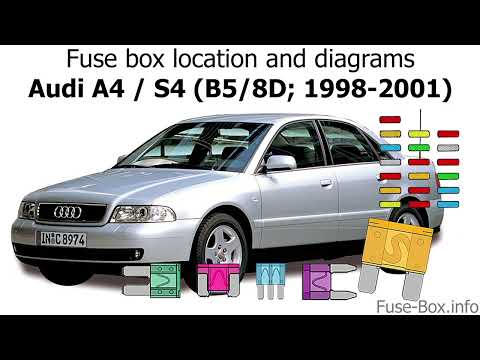
Audi A4
(1994-2000 /
B5)
Today we will see the diagram and positioning of the fuse boxes of the Audi A4, following the instructions below. First, we open the front door on th…

Audi A4
(1994-2000 /
B5)
Let's see in this guide the layout and positioning of the fuse boxes of the Audi A4, following the instructions below. First we open the front door, …

Audi A4
(2004-2008 /
B7)
In the following steps, we will see how to identify the fuse box and diagram of the Audi A4, following these simple steps. First, we locate the inter…
Other guides you may be interested in
|
Frequently Asked QuestionsHow to Remove the Front Headlight on Audi A4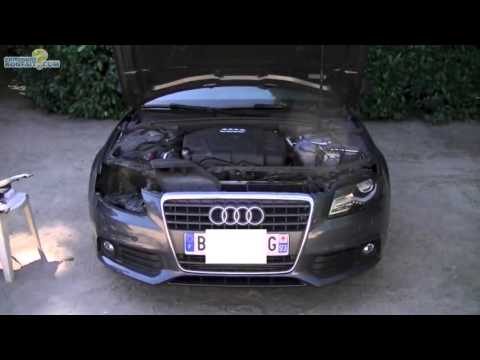
How do you remove the front headlight on an Audi A4? Follow this detailed guide: Pull the plastic lever located at the bottom left of the dashboard, then lift the hood and secure it. Get a socket wrench (with the appropriate inserts), remove the top part of the bumper cover, then unscrew the screws around the front headlight. Disconnect the power connectors and replace the damaged bulbs (same size and voltage). To reassemble, proceed in reverse. Finally, test the proper operation of the lights. by ScegliAuto More videos
|
|
For advertising on this site Write to info@scegliauto.com
ScegliAuto is not responsible for any inaccuracy of the data in the lists. To report any inaccuracy or your business (if you own the business in question), please write to info@scegliauto.com
Number of seconds to generate the page: 0.122
(c) ScegliAuto 2026 - info@scegliauto.com - Privacy policy VAT number: IT01247470535 |
