
|
Do it yourself
| |||
| ||||


License Plate Light Bulb Replacement
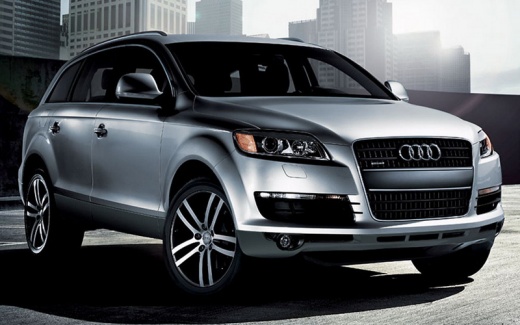
Model: Audi Q7
4L, MK 1
- Years 2006-2015
To replace the license plate light bulb, open the rear hood and hold it up to remove the screw securing the small light fixture that houses the bulb (which is the type with a bayonet base); once the screw is removed, the fixture comes off, allowing you to take out the old bulb and insert the new one, checking for any signs of oxidation on the metal tabs; then reassemble the fixture and check the proper operation of the bulb; if you notice a difference in brightness compared to the other bulb, replace that one as well; consider the option of installing LED bulbs.
Updated on 22 February 2026 by ScegliAuto
Video tutorial
Related tutorials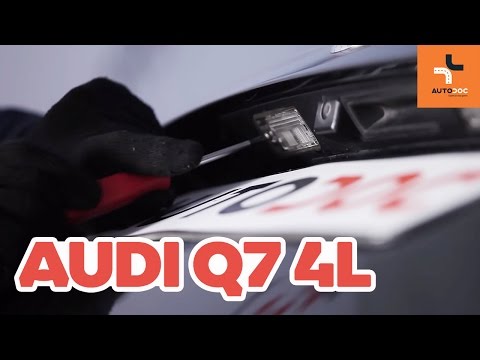
Audi Q7
(2006-2015 /
4L, MK 1)
License plate light replacement on Audi Q7? Here’s how to replace the damaged bulb. Open the trunk hood, and using a screwdriver or plastic lever, re…

Audi Q7
(2006-2015 /
4L, MK 1)
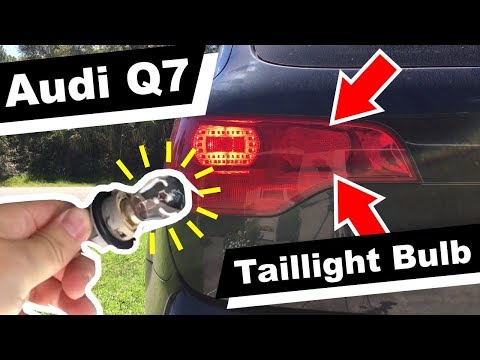
To replace the rear headlight bulb of the Audi Q7, we can perform two types of procedures. To perform the first procedure, we need to remove the cap …
Audi Q7
(2006-2015 /
4L, MK 1)
In this video tutorial we will see how to remove and replace the rear light bulb of an Audi Q7, in the simple steps illustrated below. First we go to…
Other guides you may be interested in
|
How to Replace the Handbrake Button on a Renault Scenic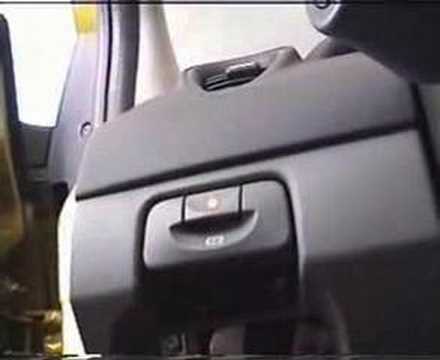
To remove the handbrake, start by taking off the lower parts, beginning with the side panel. Use a plastic lever to lift the panel. Now, to remove the glove compartment, open it and pull it towards you. Next, remove the brightness controls for the dashboard and external lights. You can extract it by pushing from the inside and disconnect the plugs at the back. This allows you to unscrew the bolts securing the handbrake lever. Now, remove the screw that secures the panel where the handbrake is attached. You can now gently pull out the handbrake and disconnect the plug at the back. by ScegliAuto More videos
|
|
For advertising on this site Write to info@scegliauto.com
ScegliAuto is not responsible for any inaccuracy of the data in the lists. To report any inaccuracy or your business (if you own the business in question), please write to info@scegliauto.com
Number of seconds to generate the page: 0.052
(c) ScegliAuto 2026 - info@scegliauto.com - Privacy policy VAT number: IT01247470535 |
