
|
Do it yourself
| |||
| ||||


How to adjust the brightness of the Audi A6 display
Model: Audi A6
C8, MK 5
- Years 2018-2026
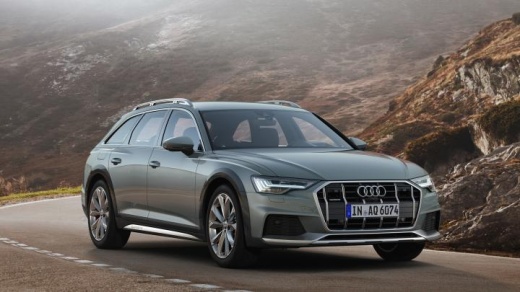
Today we will see the step-by-step instructions that will allow us to adjust the brightness of the central display of the Audi A6. First of all, we get into the car and start the instrument panel; then we go to the settings on the central display and then to the brightness setting, as shown in the video. We then find the digital selector that will allow us to set the brightness of the display to our liking; it is possible to make other adjustments on the display in the same menu, finally exiting the setting to save the changes!
Posted on 4 August 2024 by ScegliAuto
Video tutorial
Related tutorials
Audi A6
(2004-2012 /
MK 3, C6)
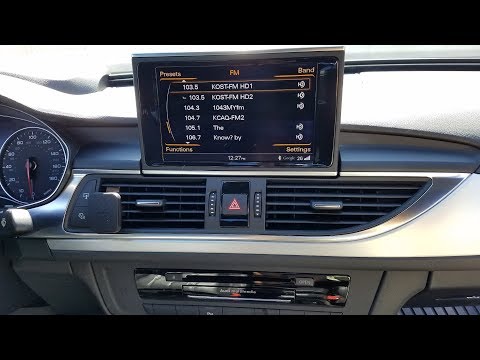
Let's see what the correct way is to adjust the time in the Audi A6 4F, thanks to the support of the attached video guide. After turning on the instr…
Audi A6
(2011-2018 /
C7, MK 4)
Before you begin, sit in the driver's seat of your Audi A6. Start by prying and removing the trim around the radio screen using a thin but sturdy too…
Audi A6
(2011-2018 /
C7, MK 4)
You can reset the tire light on the Audi A6 mk7, produced from 2011 to 2018, using the monitor in the vehicle. After checking the tire pressure, proc…
Other guides you may be interested in |
Where is the Fuel Filter Located in a Volvo XC60?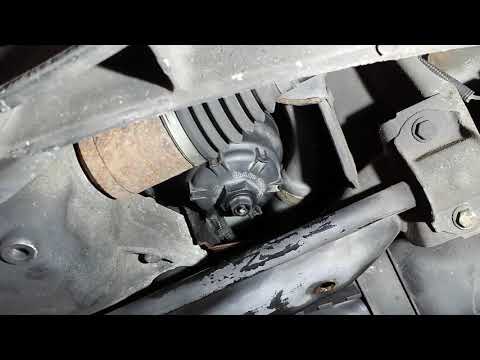
In this video, you will see where the fuel filter is located in a Volvo XC60 and how to proceed if you need to replace it. As shown, the filter is positioned at the lower part of the engine, right between the left half-shaft and the sway bar attachment. To replace the filter, first, go underneath the vehicle, taking all necessary safety precautions. Then, using an 18mm wrench, open the drain valve and allow any water present to escape. Next, unscrew the housing, remove the old filter, insert the replacement along with a new gasket, and reassemble everything. by ScegliAuto More videos
|
|
For advertising on this site Write to info@scegliauto.com
ScegliAuto is not responsible for any inaccuracy of the data in the lists. To report any inaccuracy or your business (if you own the business in question), please write to info@scegliauto.com
Number of seconds to generate the page: 0.213
(c) ScegliAuto 2026 - info@scegliauto.com - Privacy policy VAT number: IT01247470535 |
