
|
Do it yourself
| |||
| ||||


Model: Beta Rr 200
To replace the clutch on the Beta RR 200, loosen the screws securing the cover of the casing, located on the lower central part of the right side of the bike: once this cover is removed, you will have access to the underlying clutch discs, which need to be removed by loosening their securing bolts. Once the discs have been removed from their housing, you can insert the new replacement parts, securing them properly with the bolts and then covering everything with the appropriate side cover.
Updated on 26 August 2026 by ScegliAuto
Video tutorial
Related tutorials
Rr 200
In order to remove the oil pump of the Beta RR 200, you need to remove the side panels located at the front of the motorcycle, immediately below the …
Rr 200
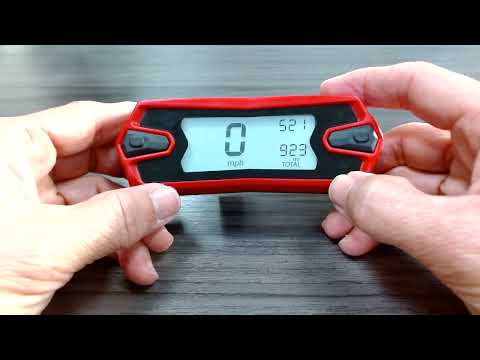
To replace the instrument cluster battery on the Beta RR 200, loosen the screws that secure the instrument cluster to its housing: these screws are l…

Rr 200
This brief guide explains how to reset the fault or service warning light on the Beta RR 200 enduro bike, as well as the RR 300. First, place the bik…
|
How to Replace the Front Indicator Bulb on a Royal Enfield Classic 350?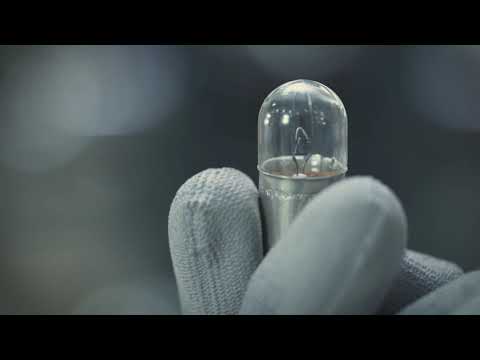
To replace the front indicator bulb on a Royal Enfield Classic 350, loosen the screw located at the rear of the corresponding headlamp. Once this screw is loosened, you can remove the lens of the headlamp to access the bulb inside its holder. After removing the old bulb, connect the new one and insert it back into the headlamp. You can then reposition the lens and secure it with the screw at the rear. by ScegliAuto More videos
|
|
For advertising on this site Write to info@scegliauto.com
ScegliAuto is not responsible for any inaccuracy of the data in the lists. To report any inaccuracy or your business (if you own the business in question), please write to info@scegliauto.com
Number of seconds to generate the page: 0.398
(c) ScegliAuto 2026 - info@scegliauto.com - Privacy policy VAT number: IT01247470535 |
