
|
Do it yourself
| |||
| ||||


How to reset the service indicator light on the BMW 3 Series
Model: BMW Serie 3
E92, E90, E91
- Years 2005-2013
The reset of the service indicator on the BMW 3 Series model 328 is a simple operation to be carried out independently. To perform this operation, we must first carry out the operations related to the service such as changing the engine oil, checking the fluids, brakes, and so on. Then we can turn on the instrument panel and press the Menu button or arrow to access the vehicle settings. Scroll through the options until selecting the "Service" option by pressing the BC button, use the arrows to enter the next service kilometers, and complete the service indicator reset by turning off and on the instrument panel.
Posted on 4 September 2024 by ScegliAuto
Video tutorial
Related tutorials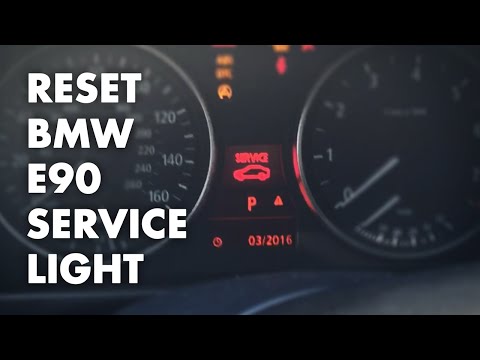
BMW Serie 3
(2005-2013 /
E92, E90, E91)
Learn how to reset the oil service light on a BMW 3 Series. To reset the maintenance light: turn on the vehicle's ignition, use the button located to…

BMW Serie 3
(2005-2013 /
E92, E90, E91)
If you own a BMW 3 Series e90 (2011) and want to learn how to manually reset the service light that remains on even after servicing your car, all you…
BMW Serie 3
(2012-2019 /
F30, F31)
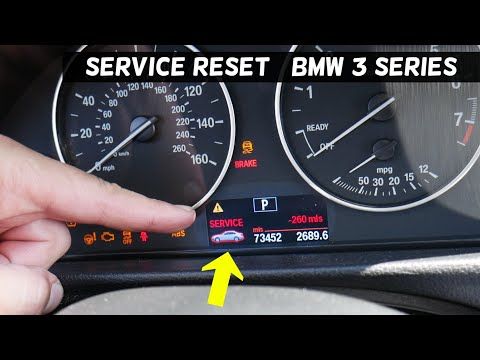
In order to reset the BMW 3 Series Service warning light, you need to turn on the instrument panel, so that you can access the menu on the display in…
Other guides you may be interested in
|
How to Remove the Oil Filter on a Toyota Yaris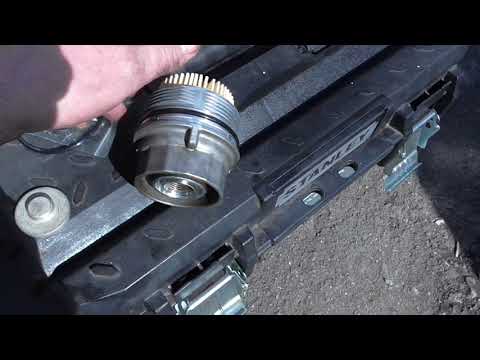
How to remove the oil filter on a Toyota Yaris? This is a simple operation if you follow the correct steps. Lift the car using a column lift or jack. After removing the cover panel (if present), use a socket spanner to unscrew the oil filter holder. Allow the oil to drain into a container for disposal. Remove the dirty and worn filter from the metal container; clean the container and insert a new filter. Screw the filter holder back into its designated housing using the appropriate spanner and lower the car once the job is complete. by ScegliAuto More videos
|

|
For advertising on this site Write to info@scegliauto.com
ScegliAuto is not responsible for any inaccuracy of the data in the lists. To report any inaccuracy or your business (if you own the business in question), please write to info@scegliauto.com
Number of seconds to generate the page: 0.067
(c) ScegliAuto 2026 - info@scegliauto.com - Privacy policy VAT number: IT01247470535 |
