
|
Do it yourself
| |||
| ||||


How to Disable Start & Stop on Any BMW
Model: BMW X7
- Years 2018-2026
On newer BMW models, you can easily disable the start & stop feature without having to fiddle with it every time or make adjustments to the battery. Here’s how to do it: turn on the display and press the "home" button. In the main menu, go to "settings" or "setup" (usually in the upper right corner), and look for "start & stop" or "auto start & stop function." Here you will find a checkbox: simply uncheck it to disable the function. On some models, there may be a dropdown menu with options like "reduce" or "permanently disable." This feature is available on models from 2020 onward.
Posted on 27 September 2026 by ScegliAuto
Video tutorial
Related tutorials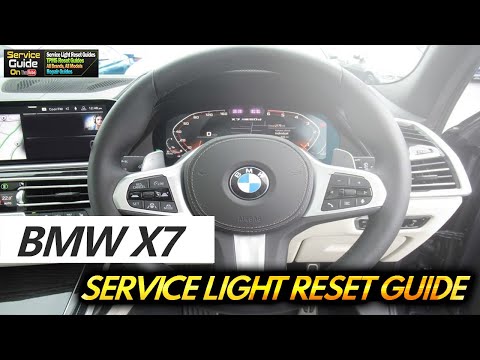
BMW X7
(2018-2026 /
G07, MK 1)
In this tutorial, you will see how to reset the service on a BMW X7. The first step is to perform maintenance on the vehicle, such as changing the en…
BMW X7
(2018-2026 /
G07, MK 1)
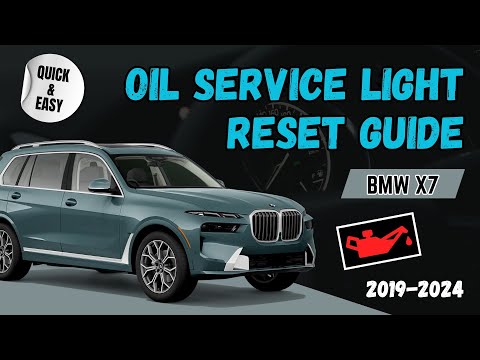
To reset the service light on a BMW X7, do the following: -Turn on the vehicle's ignition; -Press the BC button on the left lever of the steering whe…

BMW X7
(2018-2026 /
G07, MK 1)
In this guide, we will go over the main instructions that will allow us to disassemble and replace the battery of the BMW X7 vehicle. First, let's op…
Other guides you may be interested in
|
How to Replace the Gear Knob on the Citroen C3 2015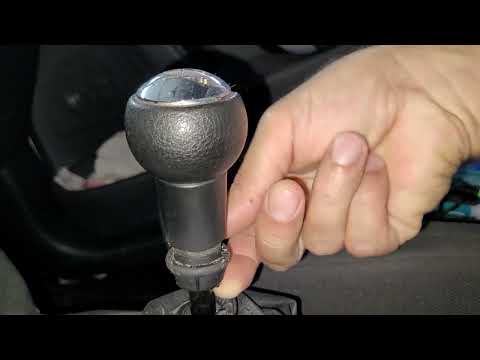
In this mini guide, you will learn how to correctly replace the gear knob on your 2015 Citroen C3. First, ensure you purchase a new gear knob that is fully compatible with your vehicle. Then, enter the cabin and use a flat screwdriver (or a key) to remove the plastic cover from the gear lever. Next, break the safety clip and remove the leather cover. At this point, you can detach the gear knob and replace it with the new one. by ScegliAuto More videos
|
|
For advertising on this site Write to info@scegliauto.com
ScegliAuto is not responsible for any inaccuracy of the data in the lists. To report any inaccuracy or your business (if you own the business in question), please write to info@scegliauto.com
Number of seconds to generate the page: 0.088
(c) ScegliAuto 2026 - info@scegliauto.com - Privacy policy VAT number: IT01247470535 |
