
|
Do it yourself
| |||
| ||||


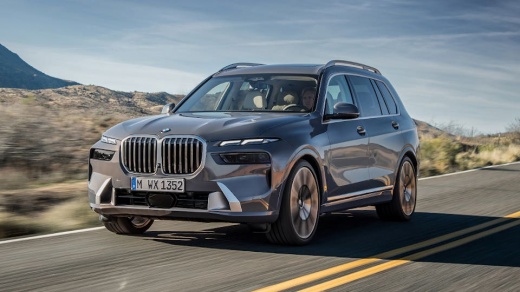
How to Disable the Automatic Start&Stop System on the BMW X7
Model: BMW X7
MK 1, G07
- Years:
2018, 2019, 2020, 2021, 2022, 2023, 2024, 2025, 2026
Video tutorial
This guide provides instructions to activate and deactivate the automatic Start&Stop system on the BMW X7 in simple and quick steps. First, get inside the vehicle and turn on the instrument cluster. Then, disable the Start&Stop system from the central display by lowering the dropdown menu and selecting the appropriate option, as shown in the video. You can reactivate the Start&Stop system at any time through the same menu; typically, this function is always active when the engine is first started.
Posted on 23 October 2026 by ScegliAuto
Related tutorials
BMW X7
(2018-2026 /
MK 1, G07)
On newer BMW models, you can easily disable the start & stop feature without having to fiddle with it every time or make adjustments to the battery. …
BMW X7
(2018-2026 /
MK 1, G07)
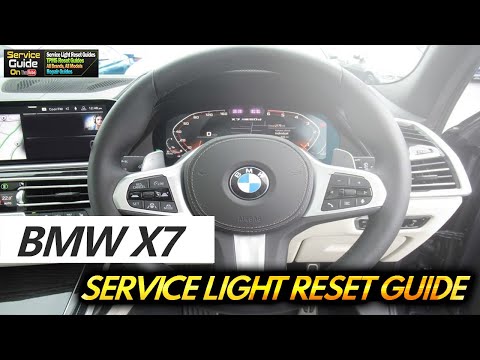
In this tutorial, you will see how to reset the service on a BMW X7. The first step is to perform maintenance on the vehicle, such as changing the en…
BMW X7
(2018-2026 /
MK 1, G07)
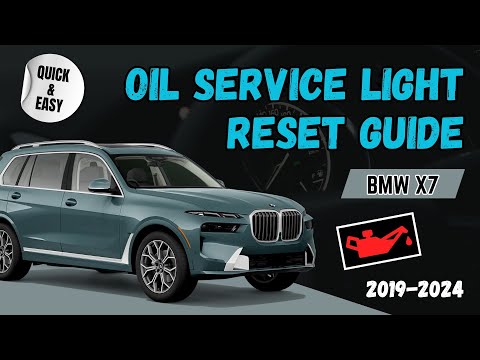
To reset the service light on a BMW X7, do the following: -Turn on the vehicle's ignition; -Press the BC button on the left lever of the steering whe…
Other guides you may be interested in
|
How to adjust the handbrake on the Smart Fortwo?
To adjust the handbrake on the Smart Fortwo, loosen the screws securing the left rear wheel so that it can be removed: after the wheel has been removed from its seat, loosen the screws securing the corresponding brake drum, locating the shoes and the handbrake mechanism. This can be adjusted by tightening or loosening the shoes to regulate the intensity of the handbrake; once the adjustment is complete, verify that the operation has been successfully finished. by ScegliAuto More videos
|
|
For advertising on this site Write to info@scegliauto.com
ScegliAuto is not responsible for any inaccuracy of the data in the lists. To report any inaccuracy or your business (if you own the business in question), please write to info@scegliauto.com
Number of seconds to generate the page: 0.027
(c) ScegliAuto 2026 - info@scegliauto.com - Privacy policy VAT number: IT01247470535 |
