
|
Do it yourself
| |||
| ||||


Installing a Dashboard Cell Phone Mount
Model: BMW X5
E53
- Years:
1999, 2000, 2001, 2002, 2003, 2004, 2005, 2006
Video tutorial
This video shows you how to install a cell phone mount on your dashboard. Once you have purchased your mount, proceed with the installation. In this case, you need to remove the passenger side dashboard panel. To remove the panel secured by three clips without leaving scratches or breaking anything, apply light pressure with a plastic trim tool. Once the panel is removed, position the mount base in its space under the left clip. Drill three holes to secure it with screws, and finally, reassemble everything.
Updated on 10 February 2026 by ScegliAuto
Related tutorials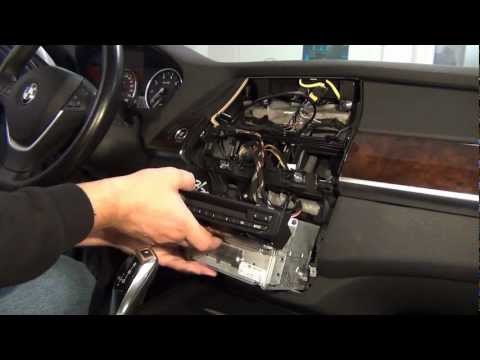
BMW X5
(2007-2013 /
E70)
Use a plastic pry tool to detach the air vents located just above the climate control buttons, disconnecting the connectors attached to them; remove …

BMW X5
(1999-2006 /
E53)
Open the hood and ensure it is securely supported. It is recommended to perform this operation after the headlights have been turned off for a suffic…
BMW X5
(1999-2006 /
E53)
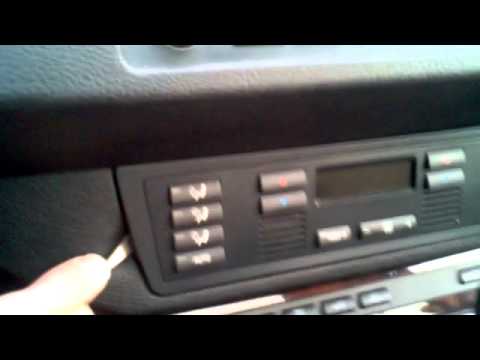
This guide shows how to remove the climate control panel from the BMW X5 E53, produced from 1999 to 2006. Using a screwdriver or a lever, disconnect …
Other guides you may be interested in |
How to Open the Fuel Filler Flap in the Hyundai i30?
In this tutorial, you will learn how to open the fuel filler flap in the Hyundai i30, a very simple operation that follows the typical procedure of most vehicles. First, unlock the locks using the designated button on the remote, then open the driver's door, locate the release lever on the left side of the seat, and operate it. Next, move to the fuel filler flap, open it completely, unscrew the cap, and refuel as needed. To close the flap, simply press it gently. by ScegliAuto More videos
|
|
For advertising on this site Write to info@scegliauto.com
ScegliAuto is not responsible for any inaccuracy of the data in the lists. To report any inaccuracy or your business (if you own the business in question), please write to info@scegliauto.com
Number of seconds to generate the page: 0.021
(c) ScegliAuto 2026 - info@scegliauto.com - Privacy policy VAT number: IT01247470535 |
