
|
Do it yourself
| |||
| ||||


Video tutorial
To remove the center dashboard panel of the BMW X5, open the glove compartment located on the passenger side. This allows you to pull out the air vents from their housing. After disconnecting the connector, you can completely remove the vents and unscrew the screws that secure the panel with the climate control buttons. Then, you can also remove this panel by disconnecting its connectors and inserting the new replacement parts; after removal, you can install the new replacement parts.
Updated on 2 July 2026 by ScegliAuto
Related tutorials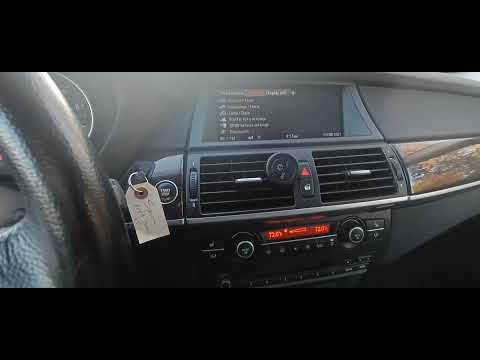
BMW X5
(2007-2013 /
E70)
Resetting the tire light on the BMW X5, as shown in this tutorial, is an extremely simple and quick operation. Before proceeding, ensure that you hav…

BMW X5
(1999-2006 /
E53)
Today we will see the instructions that will allow us to disassemble and replace the standard car radio with a new multimedia system on the BMW X5. F…
BMW X5
(2007-2013 /
E70)
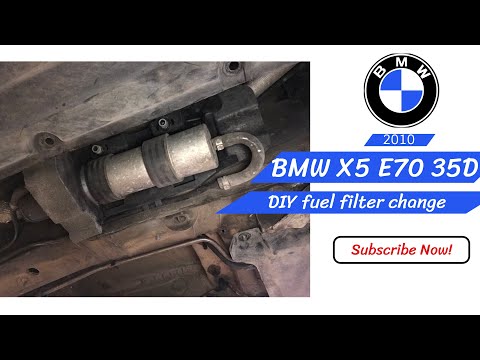
To replace the fuel filter on a BMW X5, access the underside of the vehicle near the driver's seat. Loosen the 8 mm and 10 mm bolts that secure the p…
Other guides you may be interested in
|
How to Activate the Automatic Folding and Unfolding of the Wing Mirrors on the Jeep Compass
Follow these brief instructions to activate the automatic folding and unfolding of the external wing mirrors on the Jeep Compass. First, get inside the vehicle and turn on the ignition; then press the button located beneath the mirror glass adjustment to electrically open the mirror, as shown in the video. Pressing the button in the opposite direction will close the mirrors; by holding the button, the mirrors will open and close automatically! by ScegliAuto More videos
|
|
For advertising on this site Write to info@scegliauto.com
ScegliAuto is not responsible for any inaccuracy of the data in the lists. To report any inaccuracy or your business (if you own the business in question), please write to info@scegliauto.com
Number of seconds to generate the page: 0.019
(c) ScegliAuto 2026 - info@scegliauto.com - Privacy policy VAT number: IT01247470535 |
