
|
Do it yourself
| |||
| ||||



How to Reset the Service Light on the BMW 2 Series
Model: BMW Serie 2
F45
- Years:
2014, 2015, 2016, 2017, 2018, 2019, 2020, 2021
Video tutorial
To reset the service light on the BMW 2 Series, follow this procedure: first, turn on the ignition and wait for the vehicle to display the data related to the day, the mileage, and the outside temperature. At this point, press the button located at the bottom left of the dashboard and hold it for about six seconds until the image of the car with the service light appears. Then, press the button to confirm and hold it until the reset begins. When the car starts the reset, you can release the button and wait for the reset to finish. The car will reset itself, and once the reset is complete, it will no longer display error messages.
Updated on 5 June 2026 by ScegliAuto
Related tutorials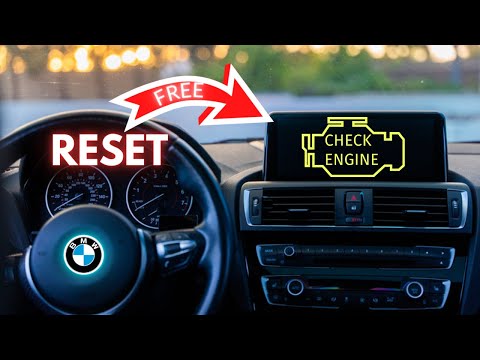
BMW Serie 2
(2014-2021 /
F45)
To reset the control unit of the BMW 2 Series, open the rear hatch to access the components inside the trunk. By removing the right side panel, you c…
BMW Serie 2
(2014-2021 /
F45)
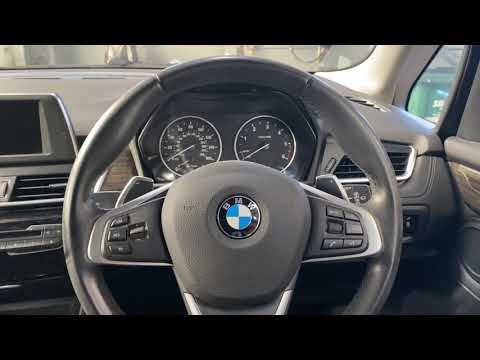
Thanks to the latest generation instrumentation and an intuitive menu management software, resetting the maintenance light on the BMW 2 Series is par…

BMW Serie 2
(2013-2021 /
F22)
It will be possible to reset the tire pressure sensor of the BMW 2 Series by inflating the tires to the optimal pressure value: this value is indicat…
Other guides you may be interested in |
How to Reset the Tyre Pressure Warning Light on a Kia Rio?
The tyre pressure warning light displayed on the instrument cluster of the Kia Rio can be reset by inflating the tyres until they reach the recommended pressure value: this value is indicated on the sticker affixed to the driver's door pillar. Once all tyres have been inflated to the recommended pressure, turn on the ignition to check that the light has disappeared: if it is still present, it may be necessary to drive for a few miles, allowing the sensors to work and thus turning off the light. by ScegliAuto More videos
|
|
For advertising on this site Write to info@scegliauto.com
ScegliAuto is not responsible for any inaccuracy of the data in the lists. To report any inaccuracy or your business (if you own the business in question), please write to info@scegliauto.com
Number of seconds to generate the page: 0.058
(c) ScegliAuto 2026 - info@scegliauto.com - Privacy policy VAT number: IT01247470535 |
