
|
Do it yourself
| |||
| ||||


How to Reset the Service Light on a BMW 5 Series E60?
Model: BMW Serie 5
E61, E60
- Years 2003-2010
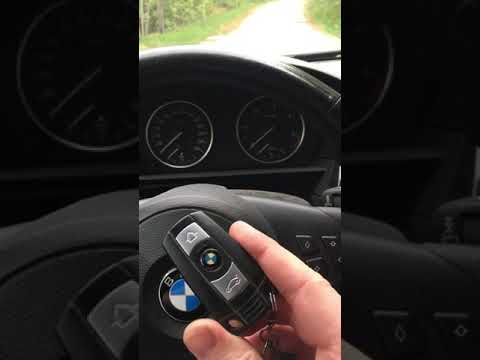
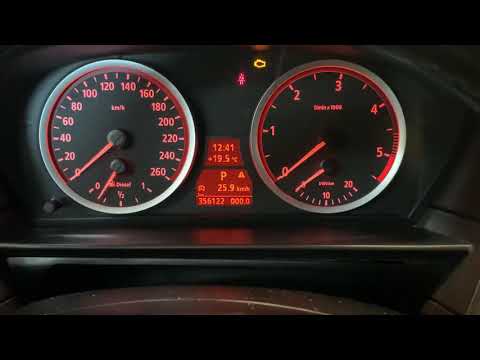
Learn how to reset the service light on a BMW 5 Series model E60 with this video. First, insert the key into its slot and press the button to turn on the instrument cluster. On the dashboard, look to the left for a button that you need to press to navigate the internal menu. The various options are displayed on the small screen on the instrument cluster. Press the button repeatedly until you reach the service option, then hold it down to enter. Press it again several times until you reach the option for resetting the light, and once more hold it down to confirm the reset.
Updated on 22 June 2026 by ScegliAuto
Video tutorial
Related tutorials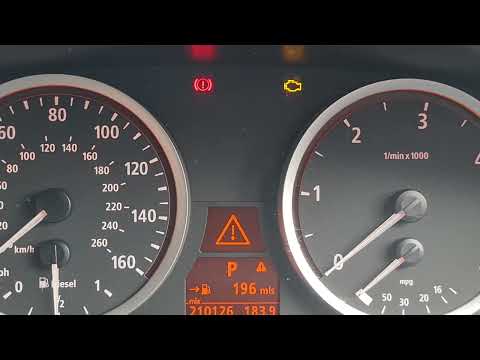
BMW Serie 5
(2003-2010 /
E61, E60)
In this new mini guide dedicated to your BMW 5 Series E60 (2003-2010), discover how to manually reset the service light that keeps turning on steadil…
BMW Serie 5
(2003-2010 /
E61, E60)
.. In this video, you will learn how to reset the service light on a BMW 5 Series E60/E61 (produced from 2003 to 2010). First, get in.. …
BMW Serie 5
(2003-2010 /
E61, E60)
It may happen that the yellow service light on your BMW 5 Series E60 stays on even after performing the regular service. In this case, the only solut…
Other guides you may be interested in
|
How to reset the tyre pressure warning light on the Suzuki Jimny?
To reset the tyre pressure warning light on the Suzuki Jimny, first inflate the tyres to the pressure value indicated on the corresponding sticker: this is located at the bottom of the driver's door pillar. Once the tyres are inflated, insert the ignition key and turn on the instrument panel: select the screen that indicates the tyre pressures, checking that the values change. After a few seconds, the tyre pressure warning light will automatically turn off. by ScegliAuto More videos
|
|
For advertising on this site Write to info@scegliauto.com
ScegliAuto is not responsible for any inaccuracy of the data in the lists. To report any inaccuracy or your business (if you own the business in question), please write to info@scegliauto.com
Number of seconds to generate the page: 0.777
(c) ScegliAuto 2026 - info@scegliauto.com - Privacy policy VAT number: IT01247470535 |
