
|
Do it yourself
| |||
| ||||


Navigator Display Disassembly Instructions
Model: BMW X5
E53
- Years:
1999, 2000, 2001, 2002, 2003, 2004, 2005, 2006
Video tutorial
Disassembling the navigator display in the center of the console is extremely simple: the key recommendation is not to dent the edges of the frame surrounding the display, which must be removed to access the screws securing the display itself. Use a plastic pry tool or apply electrical tape to the tip of a flat screwdriver and pry along the edges of the frame to detach it. At this point, unscrew the screws securing the display (two at the bottom center and two at the upper corners), remove it from its housing, and disconnect the rear connectors.
Updated on 15 February 2026 by ScegliAuto
Related tutorials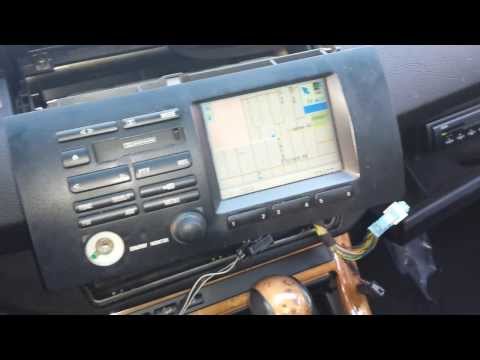
BMW X5
(1999-2006 /
E53)
To remove the navigation display, first remove the central trim pieces of the dashboard. You should also remove the central air vents to access the u…
BMW X5
(1999-2006 /
E53)
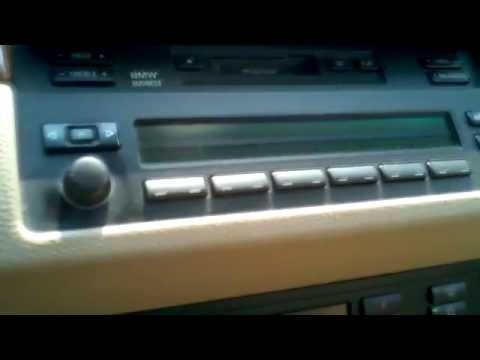
Removing the climate control display is very simple: just locate the position of the retaining clips and press them with a small screwdriver to relea…
BMW X5
(1999-2006 /
E53)
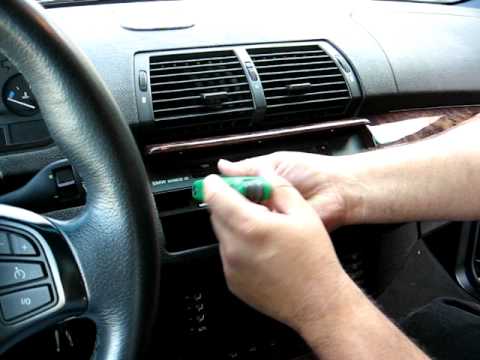
First, remove the volume control knob of the car radio by simply pulling it off: just behind the knob is a small Torx screw that needs to be turned t…
Other guides you may be interested in
|
How to Open the Fuel Filler Flap in the Hyundai i30?
In this tutorial, you will learn how to open the fuel filler flap in the Hyundai i30, a very simple operation that follows the typical procedure of most vehicles. First, unlock the locks using the designated button on the remote, then open the driver's door, locate the release lever on the left side of the seat, and operate it. Next, move to the fuel filler flap, open it completely, unscrew the cap, and refuel as needed. To close the flap, simply press it gently. by ScegliAuto More videos
|
|
For advertising on this site Write to info@scegliauto.com
ScegliAuto is not responsible for any inaccuracy of the data in the lists. To report any inaccuracy or your business (if you own the business in question), please write to info@scegliauto.com
Number of seconds to generate the page: 0.069
(c) ScegliAuto 2026 - info@scegliauto.com - Privacy policy VAT number: IT01247470535 |
