
|
Do it yourself
| |||
| ||||


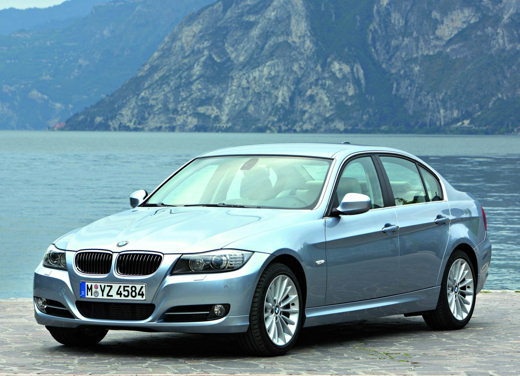
How to Change the Time and Date on the BMW 3 Series
Model: BMW Serie 3
E92, E90, E91
- Years:
2005, 2006, 2007, 2008, 2009, 2010, 2011, 2012, 2013
Video tutorial
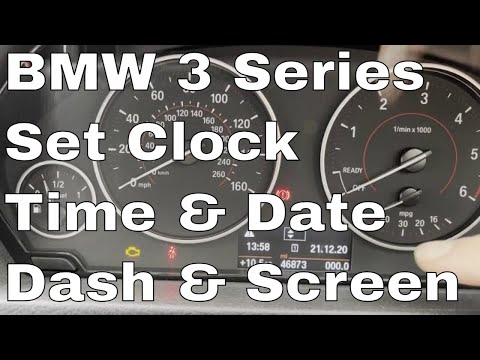
In this short and simple guide, you will find instructions to change the date and time on the BMW 3 Series in a few easy steps. First, get in the vehicle and turn on the instrument cluster; then press the arrow button to access the clock settings, setting the hour first and then the minutes, as shown in the video. At this point, set the time format and then the date, using the same buttons; then exit the settings menu, saving the changes made!
Updated on 20 August 2026 by ScegliAuto
Related tutorials
BMW Serie 3
(2012-2019 /
F31, F30)
In this tutorial, you will learn how to set the time in a BMW 3 Series, a very simple and quick operation to perform after disconnecting the battery …

BMW Serie 3
(2005-2013 /
E92, E90, E91)
Setting the time and date on the BMW 3 Series model E91 involves a few simple steps you can do yourself. The first step is to insert the key into the…
BMW Serie 3
(2012-2019 /
F31, F30)
In this tutorial, you will see how to set the time in a BMW 3 Series, a very simple and quick operation to perform, for example, after replacing the …
Other guides you may be interested in
|
How to Open the Fuel Filler Flap in the Hyundai i30?
In this tutorial, you will learn how to open the fuel filler flap in the Hyundai i30, a very simple operation that follows the typical procedure of most vehicles. First, unlock the locks using the designated button on the remote, then open the driver's door, locate the release lever on the left side of the seat, and operate it. Next, move to the fuel filler flap, open it completely, unscrew the cap, and refuel as needed. To close the flap, simply press it gently. by ScegliAuto More videos
|
|
For advertising on this site Write to info@scegliauto.com
ScegliAuto is not responsible for any inaccuracy of the data in the lists. To report any inaccuracy or your business (if you own the business in question), please write to info@scegliauto.com
Number of seconds to generate the page: 0.113
(c) ScegliAuto 2026 - info@scegliauto.com - Privacy policy VAT number: IT01247470535 |
