
|
Do it yourself
| |||
| ||||



Installing a Smartphone Charger
Model: BMW Serie 4
F33, F36, F32, MK 1
- Years:
2013, 2014, 2015, 2016, 2017, 2018, 2019, 2020
Video tutorial
I will explain how to install a smartphone charger. First, remove the covers in the center console. Carefully route all the power cables under the console to connect to your car's power supply. To have more space and work better, it is recommended to remove the console and the vent below. This allows you to securely attach the positive and negative to a frame bolt for grounding. After completing these steps, connect everything to the rear cigarette lighter for power, then reassemble everything. Your work is done.
Updated on 26 February 2026 by ScegliAuto
Related tutorials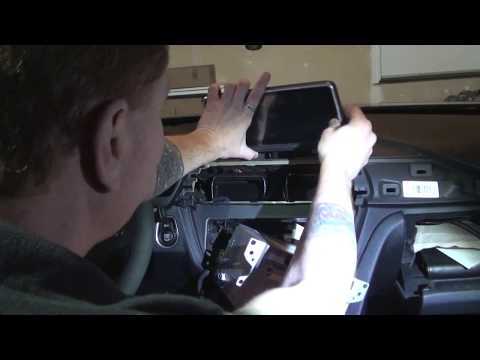
BMW Serie 4
(2013-2020 /
F33, F36, F32, MK 1)
Today, I will explain how to replace your entertainment module or NAVI system with a latest-generation unit. Gather all necessary tools, a set of pla…
Other guides you may be interested in
|
How to Open the Fuel Filler Flap in the Hyundai i30?
In this tutorial, you will learn how to open the fuel filler flap in the Hyundai i30, a very simple operation that follows the typical procedure of most vehicles. First, unlock the locks using the designated button on the remote, then open the driver's door, locate the release lever on the left side of the seat, and operate it. Next, move to the fuel filler flap, open it completely, unscrew the cap, and refuel as needed. To close the flap, simply press it gently. by ScegliAuto More videos
|
|
For advertising on this site Write to info@scegliauto.com
ScegliAuto is not responsible for any inaccuracy of the data in the lists. To report any inaccuracy or your business (if you own the business in question), please write to info@scegliauto.com
Number of seconds to generate the page: 0.010
(c) ScegliAuto 2026 - info@scegliauto.com - Privacy policy VAT number: IT01247470535 |
