
|
Do it yourself
| |||
| ||||



Installing a Display with Android Module
Model: BMW Serie 4
F33, F36, F32, MK 1
- Years:
2013, 2014, 2015, 2016, 2017, 2018, 2019, 2020
Video tutorial
Today, I will explain how to replace your entertainment module or NAVI system with a latest-generation unit. Gather all necessary tools, a set of plastic trim tools, Torx wrenches, and plenty of patience and precision. Start by removing the dashboard trim and air vents; pull out the vents. Next, remove the screws in the dashboard that secure the display and the module to be replaced. Disconnect all connectors, then slide the display upward and the module towards you. Now, neatly organize all the cables and position the GPS antenna in the center of the dashboard interior. Install the new Android module, connect everything, and reverse the procedure to finish your work.
Updated on 26 February 2026 by ScegliAuto
Related tutorials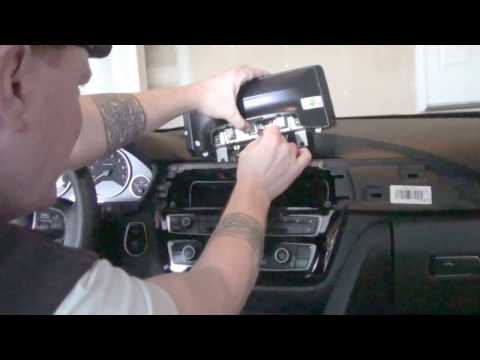
BMW Serie 4
(2013-2020 /
F33, F36, F32, MK 1)
Remove the panel where the air vents are located by pulling it outward, using leverage on the edges, and disconnecting the plugs. Next, remove the bo…
BMW Serie 4
(2013-2020 /
F33, F36, F32, MK 1)
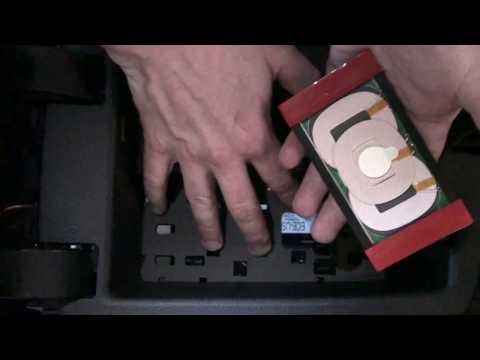
I will explain how to install a smartphone charger. First, remove the covers in the center console. Carefully route all the power cables under the co…
BMW Serie 4
(2013-2020 /
F33, F36, F32, MK 1)
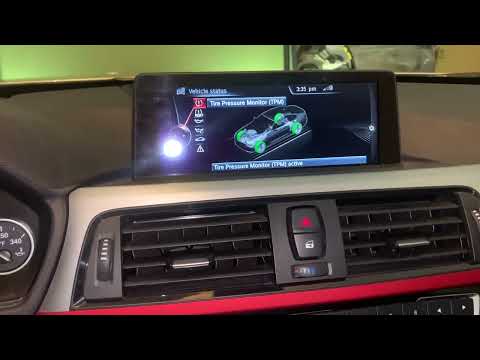
If the tire pressure warning light continues to appear on the dashboard display of your BMW 4 Series F32 (2014 model) despite no punctures, follow th…
Other guides you may be interested in
|
How to Open the Fuel Filler Flap in the Hyundai i30?
In this tutorial, you will learn how to open the fuel filler flap in the Hyundai i30, a very simple operation that follows the typical procedure of most vehicles. First, unlock the locks using the designated button on the remote, then open the driver's door, locate the release lever on the left side of the seat, and operate it. Next, move to the fuel filler flap, open it completely, unscrew the cap, and refuel as needed. To close the flap, simply press it gently. by ScegliAuto More videos
|
|
For advertising on this site Write to info@scegliauto.com
ScegliAuto is not responsible for any inaccuracy of the data in the lists. To report any inaccuracy or your business (if you own the business in question), please write to info@scegliauto.com
Number of seconds to generate the page: 0.209
(c) ScegliAuto 2026 - info@scegliauto.com - Privacy policy VAT number: IT01247470535 |
