
|
Do it yourself
| |||
| ||||


How to Reset Code 59 on a Chevrolet Spark
Model: Chevrolet Spark
M400
- Years 2016-2022
This video tutorial shows the procedure to reset code 59 that appears on the dashboard of the Chevrolet Spark. This code relates to the windows and usually appears after disconnecting and reconnecting the battery, perhaps following a replacement. The reset procedure is very simple and quick; just close the window and hold the button in the closed position for about five seconds, then open it and hold the button in the open position for about five seconds. Once this procedure is completed, the reset has occurred as the window position has been successfully recorded.
Updated on 5 July 2026 by ScegliAuto
Video tutorial
Related tutorials
Chevrolet Spark
(2016-2022 /
M400)
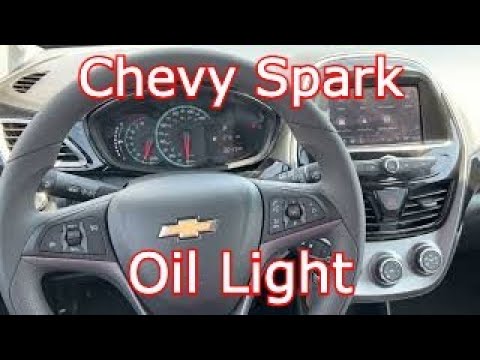
Manually resetting the oil light on the dashboard of your 2020 Chevrolet Spark is very simple and can be done independently. First, get inside the ca…
Chevrolet Spark
(2016-2022 /
M400)
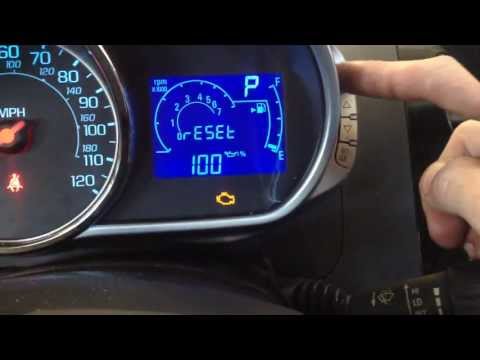
In this new mini guide dedicated to your new Chevrolet Spark 2022, you will learn how to manually reset the engine oil light. First, enter the cabin …
Chevrolet Spark
(2009-2016 /
M300, MK 1)
In this tutorial video, we will see how to reset the oil light on a Chevrolet Spark by following simple steps. When the oil change light comes on and…
Other guides you may be interested in
|
Frequently Asked QuestionsHow to Adjust the Brightness of the Instrument Cluster on a Peugeot 3008?
To adjust the brightness of the instrument cluster on a Peugeot 3008, you need to turn on the ignition and access the settings via the menu located in the central area of the dashboard. In the screen that appears, select the "Display Configuration" option: now, by selecting the "Brightness" option, you can adjust it using the dedicated slider that will appear on the screen. The adjustment should be made with the headlights on as well as with them off. Once the adjustment is complete, you can turn off the instrument cluster. by ScegliAuto More videos
|
|
For advertising on this site Write to info@scegliauto.com
ScegliAuto is not responsible for any inaccuracy of the data in the lists. To report any inaccuracy or your business (if you own the business in question), please write to info@scegliauto.com
Number of seconds to generate the page: 0.119
(c) ScegliAuto 2026 - info@scegliauto.com - Privacy policy VAT number: IT01247470535 |
