
|
Do it yourself
| |||
| ||||



How to Remove the Dashboard and Replace the Illumination
Model: Chrysler 300c
MK 1
- Years:
2004, 2005, 2006, 2007, 2008, 2009, 2010, 2011
Video tutorial
Do you need to remove a dashboard plastic panel? Replace the satellite navigator? Replace the clock illumination? Here’s how to do it! First, open the ashtray drawer, insert your hand inside with your palm facing up, and use your fingertips to grasp and pull towards you the silver plastic to loosen the clips. Using the same method, pull the trim along its perimeter to release all the clips, then carefully disconnect the various connectors behind the aluminium-coloured panel before fully removing it. Next, using a cross-head screwdriver, remove the 4 screws, 2 on each side, that hold the navigator in place. Once removed, you can extract it and disconnect the connectors before fully removing it. The video also shows where the bulbs that illuminate the clock are located, and if you have issues, it suggests replacing them with LED illumination, which is more durable and attractive.
Updated on 1 February 2026 by ScegliAuto
Related tutorials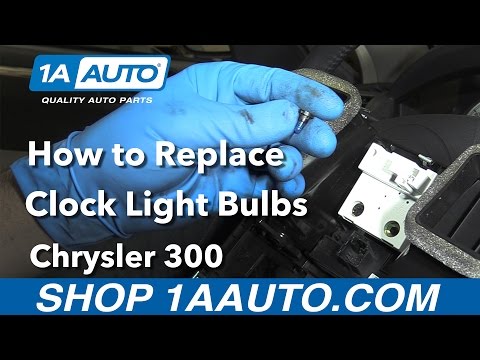
Chrysler 300c
(2004-2011 /
MK 1)
To replace the dashboard clock bulb on a Chrysler 300C, you need to remove the plastic cover that surrounds the central panel of the car, where the c…
Chrysler 300c
(2011-2014 /
)
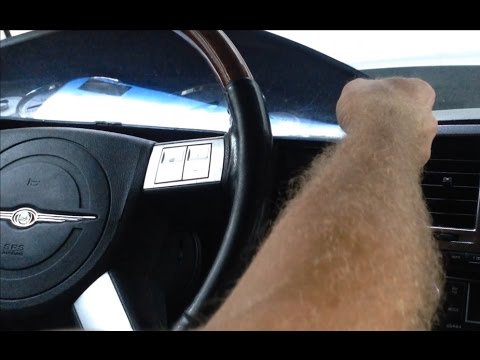
How do you remove the instrument cluster from a Chrysler 300C? Follow these steps: Unscrew the screws located in the plastic covers of the steering w…
Chrysler 300c
(2011-2023 /
LD, MK 2)
In this guide, you will learn how to correctly perform the manual reset of the engine oil light on your Chrysler 300 Mk2 (2014 model). First, enter t…
Other guides you may be interested in
|
How to Reset the Tyre Light on a Toyota Aygo?
To reset the tyre light on a Toyota Aygo, start by locating the reset button, which is found in the glove compartment of the front passenger side. Turn on the car and ensure that the tyres are at the correct pressure. Then, press and hold the reset button for a few seconds until the tyre light either flashes or turns off, depending on the model. Release the button and wait for the reset procedure to complete. Restart your Toyota Aygo and check if the tyre light has turned off, indicating that the reset was successful. by ScegliAuto More videos
|
|
For advertising on this site Write to info@scegliauto.com
ScegliAuto is not responsible for any inaccuracy of the data in the lists. To report any inaccuracy or your business (if you own the business in question), please write to info@scegliauto.com
Number of seconds to generate the page: 0.226
(c) ScegliAuto 2026 - info@scegliauto.com - Privacy policy VAT number: IT01247470535 |
