
|
Do it yourself
| |||
| ||||



How to Repair the Dashboard of the Citroen C4 Grand Picasso
Model: Citroen C4 Picasso
MK 1
- Years:
2006, 2007, 2008, 2009, 2010, 2011, 2012, 2013
Video tutorial
A common fault with the dashboard of this model is the detachment of the covering on the glove compartment door. The proposed solution is to replace the entire compartment; however, you can perform a DIY repair. Start by removing the glove compartment, which is very easy to do: simply unscrew the screws along the edges. At this point, the door will come away, consisting of the support structure and the covering, which will be separated due to adhesive failure. You will also notice the pin that holds the opening handle in place has come out. Insert the pin back into its seat, apply glue to both surfaces, wait for it to oxidise, and then bond securely.
Updated on 4 March 2026 by ScegliAuto
Related tutorials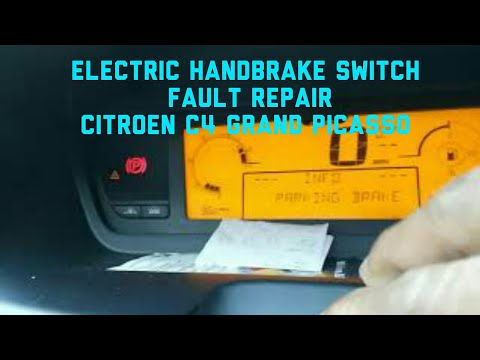
Citroen C4 Picasso
(2006-2013 /
MK 1)
Follow this guide to repair the electronic handbrake button on the Citroen C4 Grand Picasso. First, get inside the vehicle and remove the plastic cov…

Citroen C4 Picasso
(2006-2013 /
MK 1)
If you want to manually change the system language used by the onboard computer of your Citroen C4 Grand Picasso (MK1), simply follow these instructi…
Citroen C4 Picasso
(2006-2013 /
MK 1)
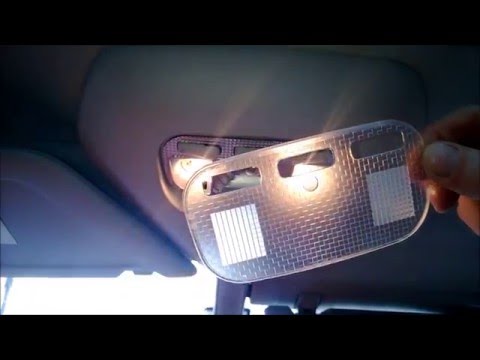
Learn how to remove the interior light to replace the damaged bulb in a Citroen C4 Grand Picasso: use a screwdriver to lever between the light and th…
Other guides you may be interested in
|
How to Set the Clock on a Renault Master 3
This guide shows you how to set a new time on a Renault Master 3. Start by turning on the instrument cluster of the vehicle without starting the engine. Next, using the end of the right-hand steering column stalk, scroll through the options on the display until you reach 'set time', then press the down arrow button to make the displayed time blink. Once this is done, press and hold the down arrow button to change the hour, which you can adjust using the two arrow buttons at the end of the stalk. Once the correct hour is set, press and hold the down arrow button again to move to the minutes. After setting the correct time, restart the vehicle. by ScegliAuto More videos
|
|
For advertising on this site Write to info@scegliauto.com
ScegliAuto is not responsible for any inaccuracy of the data in the lists. To report any inaccuracy or your business (if you own the business in question), please write to info@scegliauto.com
Number of seconds to generate the page: 0.031
(c) ScegliAuto 2026 - info@scegliauto.com - Privacy policy VAT number: IT01247470535 |
