
|
Do it yourself
| |||
| ||||


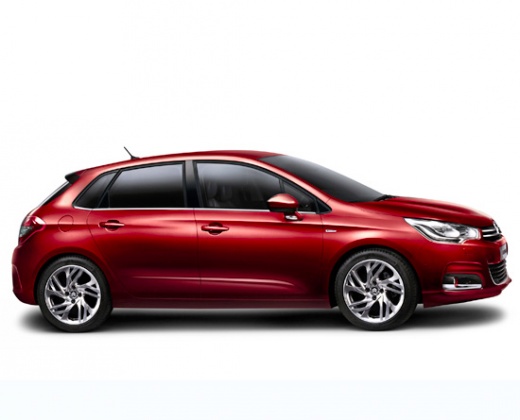
How to Remove the Centre Console of the Citroën C4
Model: Citroen C4
MK 2
- Years:
2010, 2011, 2012, 2013, 2014, 2015, 2016, 2017, 2018
Video tutorial
Removing the centre console on the Citroën C4 requires attention. Use a plastic tool to pry up the top edge of the panel and detach it. Remove the air vent (held by tabs, some of which are fragile). Disconnect the digital display and unplug the electrical connector by pressing the latch. Use a plastic tool to pry off the trim (bezel) to detach it. Unscrew the six Torx T25 screws that secure the console (one on each side, four at the bottom). Pull the console outwards and disconnect the electrical connectors at the back. Before reassembling, ensure the knobs are correctly aligned. Reassemble in reverse order.
Posted on 28 August 2026 by ScegliAuto
Related tutorials
Citroen C4
(2010-2018 /
MK 2)
This video shows how to install a multimedia radio with a touchscreen on a Citroen C4 MK2: start by removing the lower part of the centre console, th…

Citroen C4
(2004-2010 /
MK 1)
To replace the gear knob on the Citroën C4, detach the retaining clips that secure the leather gaiter to the base of the centre console. By removing …

Citroen C4
(2004-2010 /
MK 1)
Today we will explain how to replace or remove the steering wheel airbag of the Citroen C4. To perform this operation, we need to insert a flat-tip s…
Other guides you may be interested in |
How to Set the Date and Time on the Iveco Daily
Today, we will see in this video tutorial how to change the date and time on the Iveco Daily. First, get into the vehicle and turn on the instrument panel; then go to the vehicle settings on the central display, pressing the relevant option for date and time. At this point, press the "set" button located at the top, using the physical arrow buttons to set both the date and time; finally, exit the onboard computer menu to save the changes made! by ScegliAuto More videos
|
|
For advertising on this site Write to info@scegliauto.com
ScegliAuto is not responsible for any inaccuracy of the data in the lists. To report any inaccuracy or your business (if you own the business in question), please write to info@scegliauto.com
Number of seconds to generate the page: 0.059
(c) ScegliAuto 2026 - info@scegliauto.com - Privacy policy VAT number: IT01247470535 |
