
|
Do it yourself
| |||
| ||||


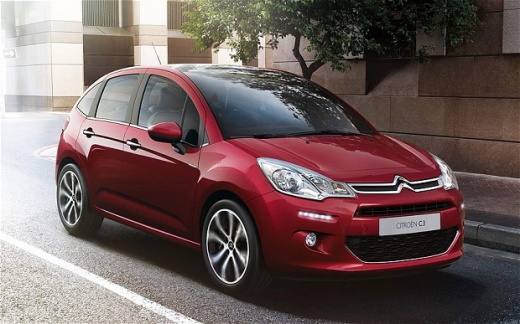
How to Adjust the Clock on a Citroen C3 Pluriel
Model: Citroen C3
SC
- Years:
2009, 2010, 2011, 2012, 2013, 2014, 2015, 2016
Video tutorial
It may happen that disconnecting and reconnecting the battery can result in losing the clock settings. If you want to manually adjust the time and date, you can do so using the buttons on the right side of the radio. First, turn on the ignition after closing all the doors. Use the menu button to select the adjustment option, then use the up and down arrows, as well as the left and right arrows on the right, to make the adjustments. Confirm your selection with the enter button, represented by the arrow above the menu button. Once the adjustment is complete, turn off the ignition and turn it back on to verify that the settings have been saved.
Updated on 13 March 2026 by ScegliAuto
Related tutorials
Citroen C3
(2003-2010 /
Pluriel)
In this guide, you will find the main instructions on how to remove and install the roof of the Citroen C3 Pluriel Spyder. First, open the rear hatch…

Citroen C3
(2009-2016 /
SC)
Daylight saving time has given way to standard time, and it is time to change the clock in our vehicles. Today, learn how to perform this operation o…

Citroen C3
(2002-2009 /
FC, FN)
In order to repair the Citroën C3 Pluriel convertible top, you need to use a tool to pry off the coverings of the sliding tracks located on the sides…
Other guides you may be interested in
|
How to reset the tyre pressure warning light on the Kia Niro EV?
To reset the tyre pressure warning light on the Kia Niro EV, inflate the tyres until they reach the correct pressure value. This value is indicated on the sticker attached to the driver's door pillar. Once the tyres are inflated, turn on the instrument cluster to check that the warning light has completely disappeared from the display. If it is still present, you may need to drive for a few miles to ensure it disappears completely from the screen. by ScegliAuto More videos
|
|
For advertising on this site Write to info@scegliauto.com
ScegliAuto is not responsible for any inaccuracy of the data in the lists. To report any inaccuracy or your business (if you own the business in question), please write to info@scegliauto.com
Number of seconds to generate the page: 0.093
(c) ScegliAuto 2026 - info@scegliauto.com - Privacy policy VAT number: IT01247470535 |
