
|
Do it yourself
| |||
| ||||


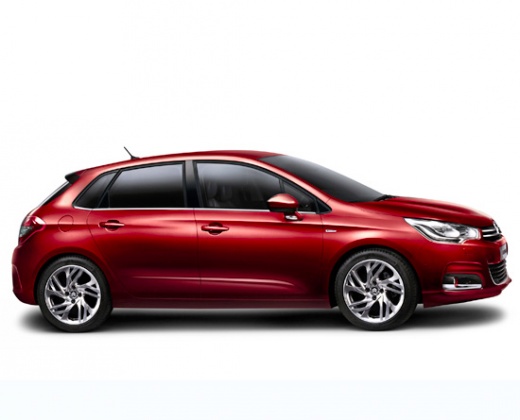
How to Remove and Reinstall the Sat Nav/Radio on a Citroen C4 Cactus
Model: Citroen C4
MK 2
- Years:
2010, 2011, 2012, 2013, 2014, 2015, 2016, 2017, 2018
Video tutorial
In this tutorial video, see how to remove and reinstall the sat nav and radio display on a Citroen C4 Cactus, in simple and quick steps. First, get in the car and start by removing the onboard computer; to do this, remove the plastic cover behind the display and unscrew the fastening screws with a socket spanner, as shown in the video. Now, disconnect the various electrical connectors to remove the entire system; then replace and reassemble everything, applying the reverse procedure of disassembly!
Updated on 26 April 2026 by ScegliAuto
Related tutorials
Citroen C4
(2014-2020 /
Cactus)
To replace the remote battery of the Citroën C4 Cactus, pry open the rear lower part of the device to detach the corresponding cover panel. Once the …

Citroen C4
(2014-2020 /
Cactus)
The following steps will show us how to remove and replace the wheel with the spare one on the Citroen C4 Cactus. First, we open the rear trunk door …

Citroen C4
(2014-2020 /
Cactus)
It will be possible to deactivate the Start&Stop system of the Citroën C4 Cactus by inserting the ignition key into the corresponding slot: once the …
Other guides you may be interested in |
Frequently Asked QuestionsHow to Reset the Tyre Light on a Toyota Aygo?
To reset the tyre light on a Toyota Aygo, start by locating the reset button, which is found in the glove compartment of the front passenger side. Turn on the car and ensure that the tyres are at the correct pressure. Then, press and hold the reset button for a few seconds until the tyre light either flashes or turns off, depending on the model. Release the button and wait for the reset procedure to complete. Restart your Toyota Aygo and check if the tyre light has turned off, indicating that the reset was successful. by ScegliAuto More videos
|
|
For advertising on this site Write to info@scegliauto.com
ScegliAuto is not responsible for any inaccuracy of the data in the lists. To report any inaccuracy or your business (if you own the business in question), please write to info@scegliauto.com
Number of seconds to generate the page: 0.025
(c) ScegliAuto 2026 - info@scegliauto.com - Privacy policy VAT number: IT01247470535 |
