
|
Do it yourself
| |||
| ||||


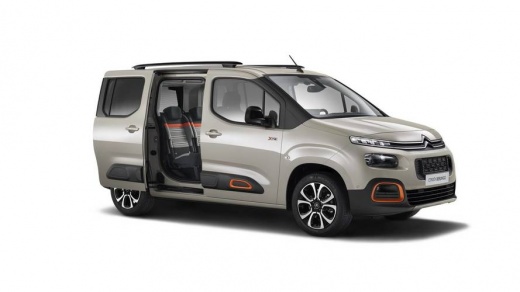
How to Reset the AdBlue Warning Light on a Citroen Berlingo
Model: Citroen Berlingo
MK 3
- Years:
2018, 2019, 2020, 2021, 2022, 2023, 2024, 2025, 2026
Video tutorial
In today's video, see how to reset the AdBlue warning light on the Citroen Berlingo. This tutorial is useful after performing necessary maintenance tasks, such as topping up the fluid according to the manufacturer's specifications or checking the proper functioning of the system pump. At this point, connect to the vehicle's ECU via the OBD port and proceed with the vehicle diagnosis. Once done, find the corresponding setting and confirm that you want to perform the reset. Wait a few seconds, and then you can disconnect from the vehicle's port.
Updated on 10 July 2026 by ScegliAuto
Related tutorials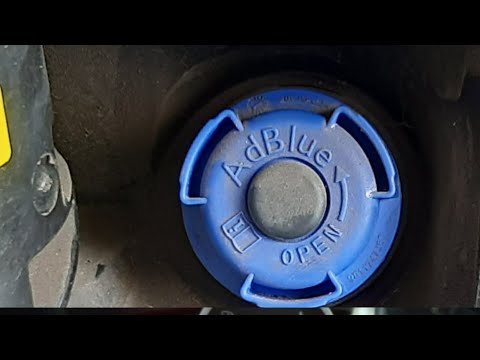
Citroen Berlingo
(2008-2018 /
MK 2)
In this guide, discover the procedure necessary to reset the AdBlue warning light that appears on the dashboard of the Citroen Berlingo, as well as t…
Citroen Berlingo
(2018-2026 /
MK 3)
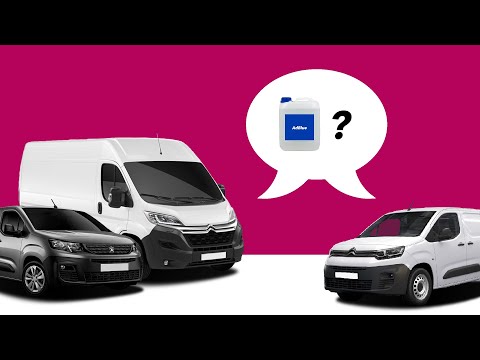
Refilling AdBlue in your Citroen Berlingo is a very simple operation and can be done by anyone without any issues. Everything you need to do is descr…

Citroen Berlingo
(2018-2026 /
MK 3)
The adblue additive, known to be useful in reducing emissions in cars with the latest generation diesel engines, requires a top-up every certain numb…
Other guides you may be interested in
|
Frequently Asked QuestionsHow to lower the rear seats in the Peugeot 206?
In this tutorial, you will see how to lower the rear seats in the Peugeot 206, a very simple and quick operation, for example, if you need more space in the boot. First, open both the doors and the tailgate, then unclip the seat base and position it vertically. Next, remove the horizontal partition, locate the release levers at the ends of both seatbacks, and, by operating them, lower the seatbacks. To reassemble everything, simply follow the reverse procedure. by ScegliAuto More videos
|
For advertising on this site Write to info@scegliauto.com
ScegliAuto is not responsible for any inaccuracy of the data in the lists. To report any inaccuracy or your business (if you own the business in question), please write to info@scegliauto.com
Number of seconds to generate the page: 0.019
(c) ScegliAuto 2026 - info@scegliauto.com - Privacy policy VAT number: IT01247470535 |
