
|
Do it yourself
| |||
| ||||


How to Install the Citroen C3 Sat Nav Update
Model: Citroen C3
SC
- Years 2009-2016
Installing the satellite navigation update on your car is a time-consuming task, so it is advisable to park the car in a well-ventilated area as the vehicle should remain running during the installation to keep the battery charged: a power interruption during the update phase caused by a drop in battery voltage could result in a device lock-up; once the update is downloaded and the activation code generated, copy the content to a USB stick, insert it into the USB port, and activate the update through the navigation menu.
Updated on 19 February 2026 by ScegliAuto
Video tutorial
Related tutorials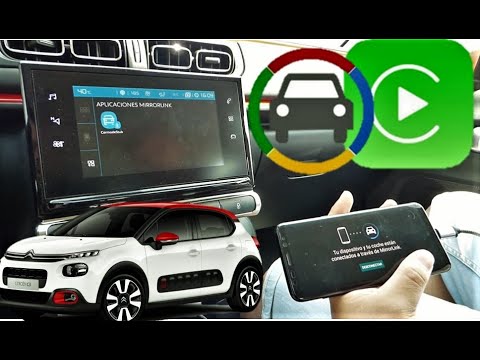
Citroen C3
(2016-2023 /
SY, SX)
To use the phone navigator in your vehicle, you must have Android Auto installed on your phone. Connect the phone to the USB port located at the bott…
Citroen C3
(2009-2016 /
SC)
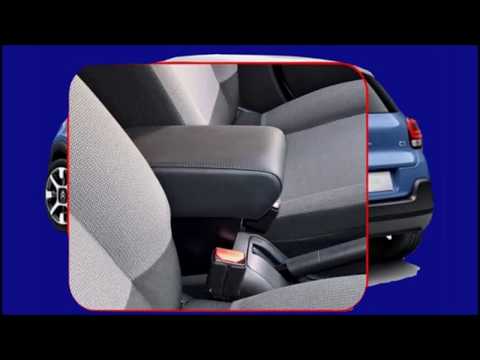
Installing the armrest on the seat of the Citroen C3 is a very simple task that can be done independently. There are 5 steps to follow: The first ste…

Citroen C3
(2003-2010 /
Pluriel)
In this guide, you will find the main instructions on how to remove and install the roof of the Citroen C3 Pluriel Spyder. First, open the rear hatch…
Other guides you may be interested in
|
How to Open a Stuck Boot on the Peugeot 407?
On the Peugeot 407, the boot may become stuck, possibly due to a problem with the control button or the lock actuator. In such cases, you can perform an emergency opening by following the simple procedure shown in this tutorial. First, open the rear doors, then lower the seat back by operating the release lever. Next, go inside the boot, locate the lock, and manually operate it using a flathead screwdriver. The boot will then be free to open. by ScegliAuto More videos
|
|
For advertising on this site Write to info@scegliauto.com
ScegliAuto is not responsible for any inaccuracy of the data in the lists. To report any inaccuracy or your business (if you own the business in question), please write to info@scegliauto.com
Number of seconds to generate the page: 0.112
(c) ScegliAuto 2026 - info@scegliauto.com - Privacy policy VAT number: IT01247470535 |
