
|
Do it yourself
| |||
| ||||


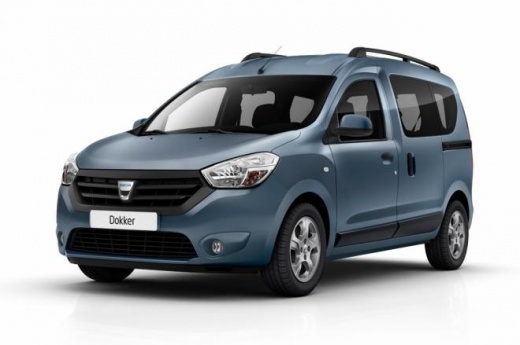
How to Reset the Tyre Warning Light on the Dacia Dokker?
Model: Dacia Dokker
MK 1
- Years:
2013, 2014, 2015, 2016, 2017, 2018, 2019, 2020, 2021, 2022, 2023, 2024
Video tutorial
In this tutorial, you will see how to reset the tyre warning light on the Dacia Dokker, a very simple and quick operation to perform only after restoring the correct pressure of each tyre following the instructions in the manual. First, get inside the cabin, then insert the key and turn on the ignition. Next, scroll through the various display information using the button at the end of the right control lever, reach the "SET TP" option, and perform the reset by holding down the same button. To complete the procedure, simply restart the vehicle.
Posted on 31 March 2026 by ScegliAuto
Related tutorials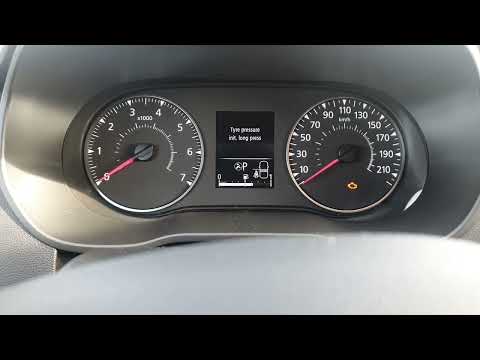
Dacia Dokker
(2013-2024 /
MK 1)
To manually reset the tyre pressure light on your Dacia Dokker, no professional diagnostic tool is required; you only need to use a single button loc…

Dacia Dokker
(2013-2024 /
MK 1)
It will be possible to completely reset the tire pressure warning light of the Dacia Dokker by inflating the tires to the recommended pressure value:…
Dacia Dokker
(2013-2024 /
MK 1)
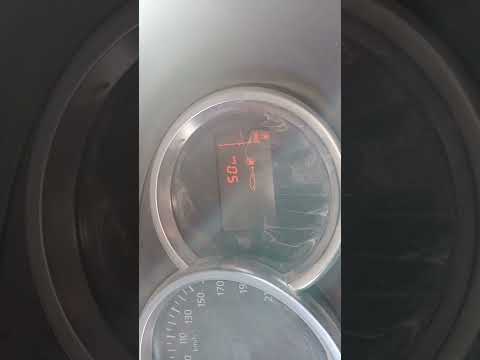
In this tutorial, you will see how to reset the tyre warning light on a Dacia Dokker, a very simple and quick operation to perform only after restori…
Other guides you may be interested in |
How to Remove the Rear Seat of a Hyundai Tucson?
To remove the rear seat of a Hyundai Tucson, follow these steps. Start by moving the front seats to their most forward position to gain space. Next, locate the release lever on the underside of the rear seat, near the floor. Press this lever down while pulling the seat upwards to unlock it from the anchor pins. Once unlocked, tilt the seat upwards and forwards to remove it from its position. Repeat this process for both sides of the rear seat. Be careful of any electrical cables or components that may be connected to the seat during removal. Once the rear seat is removed, the disassembly is complete. by ScegliAuto More videos
|
|
For advertising on this site Write to info@scegliauto.com
ScegliAuto is not responsible for any inaccuracy of the data in the lists. To report any inaccuracy or your business (if you own the business in question), please write to info@scegliauto.com
Number of seconds to generate the page: 0.092
(c) ScegliAuto 2026 - info@scegliauto.com - Privacy policy VAT number: IT01247470535 |
