
|
Do it yourself
| |||
| ||||


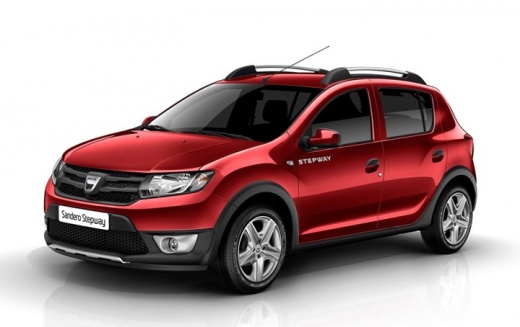
How to Remove the Original Radio from a Dacia Sandero
Model: Dacia Sandero
B8
- Years:
2012, 2013, 2014, 2015, 2016, 2017, 2018, 2019, 2020
Video tutorial
In this video, the YouTuber explains how to remove the original radio from a 2022 Dacia Sandero. To access the unit, first remove the glove compartment by unscrewing the Torx screws present in the area. Next, remove the side panel and the screw on the side. The next step involves removing the air vent and the entire central panel of the dashboard. At this point, by unscrewing the screws at the top and the four hidden screws underneath, you can extract the entire assembly. The original radio will be free, with the rear frame and front screen ready to be disconnected from the cables. The tutorial is intended for those who want to replace the system with an aftermarket model without damaging the dashboard.
Posted on 27 June 2026 by ScegliAuto
Related tutorials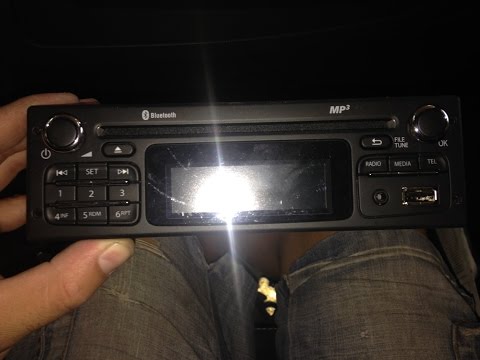
Dacia Sandero
(2008-2012 /
BS)
How to replace the original radio on a Dacia Sandero? Follow these steps carefully. Use the original or aftermarket metal keys to remove the car ster…
Dacia Sandero
(2012-2020 /
B8)
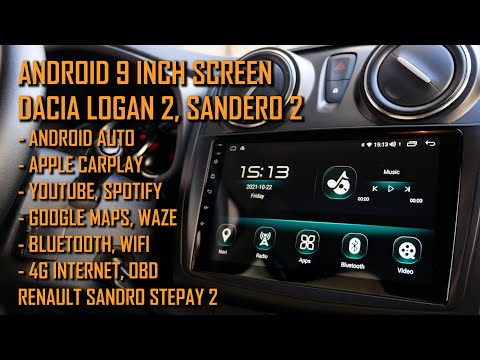
Below are the instructions to remove and replace the standard radio of the Dacia Sandero, as well as the Duster and Logan. First, get inside the vehi…
Dacia Sandero
(2012-2020 /
B8)
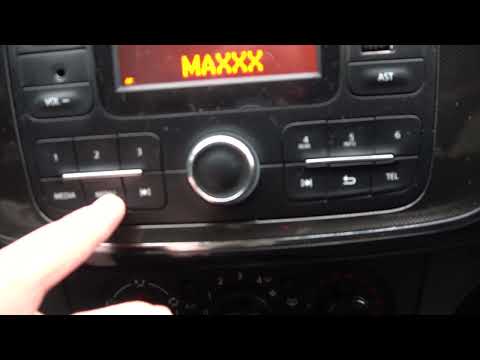
The Bluetooth technology in the stock radio fitted in your Dacia Sandero Mk2 allows you to listen to your favourite tracks from your smartphone or an…
Other guides you may be interested in
|
How to Remove the Rear Seat of a Hyundai Tucson?
To remove the rear seat of a Hyundai Tucson, follow these steps. Start by moving the front seats to their most forward position to gain space. Next, locate the release lever on the underside of the rear seat, near the floor. Press this lever down while pulling the seat upwards to unlock it from the anchor pins. Once unlocked, tilt the seat upwards and forwards to remove it from its position. Repeat this process for both sides of the rear seat. Be careful of any electrical cables or components that may be connected to the seat during removal. Once the rear seat is removed, the disassembly is complete. by ScegliAuto More videos
|
|
For advertising on this site Write to info@scegliauto.com
ScegliAuto is not responsible for any inaccuracy of the data in the lists. To report any inaccuracy or your business (if you own the business in question), please write to info@scegliauto.com
Number of seconds to generate the page: 0.037
(c) ScegliAuto 2026 - info@scegliauto.com - Privacy policy VAT number: IT01247470535 |
