
|
Do it yourself
| |||
| ||||


Guide to reset the Dacia Sandero service warning light
Model: Dacia Sandero
B8
- Years 2012-2020
Let's see how to reset the oil change routine maintenance light (service) on the Dacia Sandero, but also on all the other models of the manufacturer. First of all, let's get on board the car and connect our diagnostic tool to the OBD socket; after which we use the computer to select the make, model and engine of the car (in this case the control unit is associated with a code). At this point we reset the errors or the voice of the engine oil warning light; we will then see the warning light go out from the instrument panel.
Posted on 6 February 2022 by ScegliAuto
Video tutorial
Related tutorials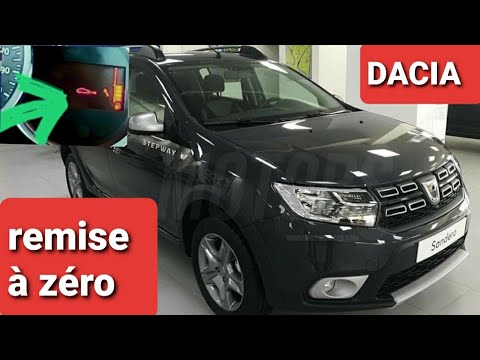
Dacia Sandero
(2012-2020 /
B8)
Before starting, we will have to sit in the driver's seat of our Dacia Sandero Stepway. So let's start by repeatedly pressing the button located at t…
Dacia Sandero
(2012-2020 /
B8)
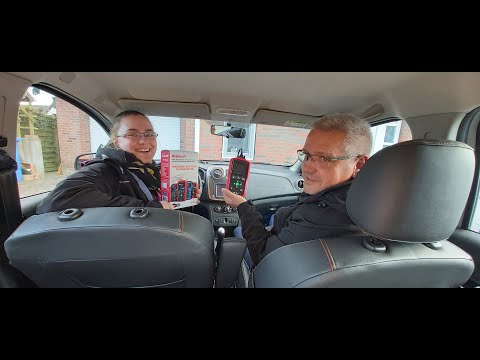
In this video tutorial we will see how to reset the ordinary maintenance warning light that appears on the instrument panel of the Dacia Sandero seco…
Dacia Sandero
(2021-2026 /
MK 3)
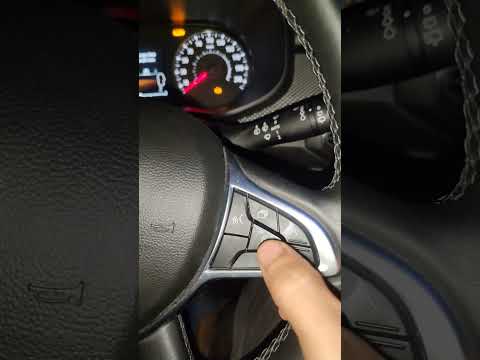
If you own the new Dacia Sandero 2022 and want to find out how to manually reset the service warning light, then all you have to do is read the follo…
Other guides you may be interested in
|
How to Remove the Front Brake Pads on a Chrysler PT Cruiser
To remove the front brake pads on a Chrysler PT Cruiser, position the car on a column lift and raise it to a comfortable height. Unscrew the pins using a socket wrench or air drill and remove the wheel. Then, use a screwdriver to detach the brake pads. Next, remove the caliper bracket and unscrew the pins on the brake disc (using a Torx screwdriver). Pull the disc towards you to slide it off the hub. Install the new brake disc with all associated pins, secure the caliper bracket to the disc and the pads, then mount the brake caliper, ensuring all pins are tightened properly. Before mounting the wheel, bleed the brake caliper and tighten the pin. by ScegliAuto More videos
|
|
For advertising on this site Write to info@scegliauto.com
ScegliAuto is not responsible for any inaccuracy of the data in the lists. To report any inaccuracy or your business (if you own the business in question), please write to info@scegliauto.com
Number of seconds to generate the page: 0.196
(c) ScegliAuto 2026 - info@scegliauto.com - Privacy policy VAT number: IT01247470535 |
