
|
Do it yourself
| |||
| ||||


How do i reset the uConnect system on the Dodge Durango?
Model: Dodge Dodge Various
In order to reset the uConnect system on the Dodge Durango, the instrument panel must be turned on by turning the appropriate key and simultaneously holding down the buttons to raise and lower the temperature. In this way the engineers menu will appear, in which it will be possible to move and select the item "Reset to factory default": by confirming with "Yes" the message that will appear below, it will be possible to reset the device. Once the reset has been confirmed, it will take about thirty seconds for all the information to be deleted. By switching the panel off and on again, it will be possible to verify that the reset has been carried out.
Posted on 22 November 2021 by ScegliAuto
Video tutorial
Related tutorials
Dodge Dodge Various
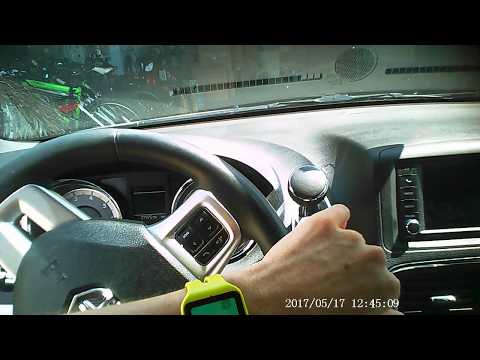
In order to reset the uConnect system on the Dodge Durango you need to insert the key to turn on the instrument panel and hold down the buttons to lo…
Dodge Dodge Various
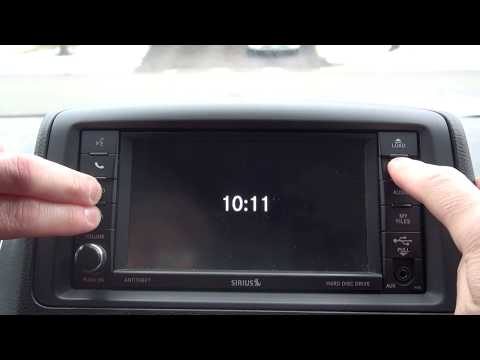
In order to reset the uConnect system of the Dodge Grand Caravan you have to press and hold the handset button located at the top left of the car rad…
Dodge Dodge Various
In order to reset the uConnect system of the Dodge Canavan you need to turn on the instrument panel by turning the appropriate key, making sure that …
Other guides you may be interested in
|
How to Replace the Engine Air Filter on a Volkswagen Polo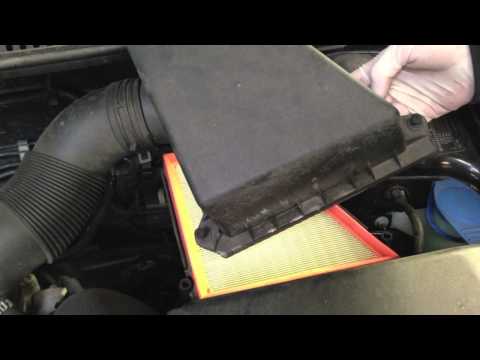
Remove the engine air filter from a Volkswagen Polo: open the car door, pull up the engine compartment release lever located at the bottom left of the dashboard and lift the front bonnet, securing it with the prop rod. Remove the engine soundproofing panel (if necessary), then open the air box (unscrew the securing screws), remove the cover of the filter box and take out the engine air filter. Insert a new filter into the dedicated housing (ensuring it fits snugly around the edges). Finally, refit the air box cover and tighten the screws. Close the front bonnet after maintenance. by ScegliAuto More videos
|
|
For advertising on this site Write to info@scegliauto.com
ScegliAuto is not responsible for any inaccuracy of the data in the lists. To report any inaccuracy or your business (if you own the business in question), please write to info@scegliauto.com
Number of seconds to generate the page: 0.103
(c) ScegliAuto 2026 - info@scegliauto.com - Privacy policy VAT number: IT01247470535 |
