
|
Do it yourself
| |||
| ||||


How do you connect the smartphone to the DR 5.0 car radio?
Model: DR 5 0
MK 1
- Years 2018-2025
In order to connect the smartphone to the DR 5.0 car radio, you need to download the QDrive application on your mobile phone. Once this has been downloaded and the necessary permissions have been granted, you can use a USB cable to connect the smartphone to the radio. Then, you can select the QDrive application and wait for the dashboard screen and the smartphone screen to synchronize. This way, you will be able to transmit everything that is displayed on the mobile phone screen to the center screen on the car's dashboard.
Posted on 2 August 2023 by ScegliAuto
Video tutorial
Related tutorials
DR 5 0
(2018-2025 /
MK 1)
The instructions provided in this guide will show us how to connect our smartphone to the multimedia system via Bluetooth on the DR 5.0. First, let's…
Other guides you may be interested in
|
How to Remove the Timing Belt from a Nissan Juke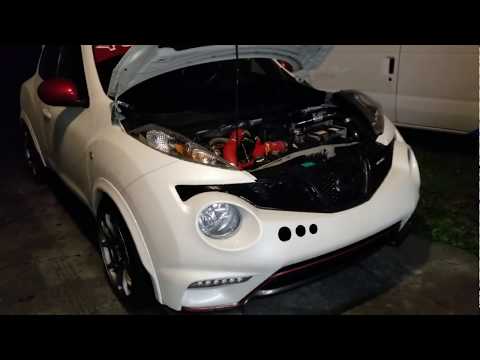
How do you remove the timing belt from a Nissan Juke? Raise the car on a column lift and remove the front wheel, using a screwdriver to detach the right wheel arch liner. Once these operations are complete: lift the bonnet, remove the engine soundproofing panel and the timing belt cover (from the wheel arch). Use a suitable spanner to loosen the tensioner pulley and slide the belt off its seat. After fitting the new belt, use the spanner to tension the tensioner pulley, adjusting until the correct tension is achieved on the belt (previously fitted). Finally, check the tensioner and the belt itself, tightening everything with a socket spanner. by ScegliAuto More videos
|
|
For advertising on this site Write to info@scegliauto.com
ScegliAuto is not responsible for any inaccuracy of the data in the lists. To report any inaccuracy or your business (if you own the business in question), please write to info@scegliauto.com
Number of seconds to generate the page: 0.055
(c) ScegliAuto 2026 - info@scegliauto.com - Privacy policy VAT number: IT01247470535 |
