
|
Do it yourself
| |||
| ||||


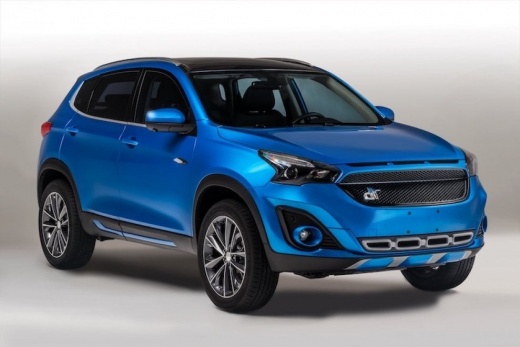
How to reset the service on the DR F35?
Model: DR F35
MK 1
- Years:
2020, 2021, 2022, 2023, 2024, 2025, 2026
Video tutorial
In this tutorial, we can see how to reset the service on the DR F35, a very simple and quick operation to be performed only after completing all scheduled maintenance tasks. Start by entering the cabin, then turn on the instrument panel and, using the directional buttons on the left side of the steering wheel, navigate to the general menu. Next, enter the "Driving" section, scroll through the various screens, and when you reach the service screen, press and hold the menu button to reset it. Finally, restart the vehicle.
Updated on 22 August 2026 by ScegliAuto
Related tutorials
DR F35
(2020-2026 /
MK 1)
In this tutorial we can see how to replace the cabin filter in the DR F35, a very simple and quick operation. First of all, go to the passenger side,…
DR F35
(2020-2026 /
MK 1)
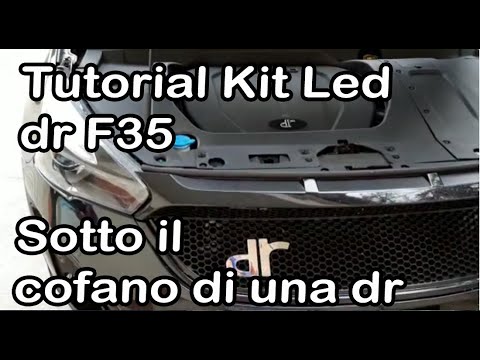
To replace the front headlamp bulb on a DR F35, open the bonnet to loosen the screws that secure the panel at the top of the bonnet. Once this is rem…

DR F35
(2020-2026 /
MK 1)
In this guide, we will look at the steps that will allow us to perform the routine maintenance service for the DR F35. First, let's open the car's ho…
Other guides you may be interested in
|
Where are the fuses located on the Renault Laguna?
On the Renault Laguna, the fuses are located inside the fuse boxes installed in the vehicle: in this car model, you will find two boxes for containing the fuses. The first is in the fuse box on the left side of the dashboard, accessible by opening the driver's door: here you will find the fuses for the windscreen wipers, fog lights, horn, etc. The second box is located on the right side of the engine compartment: here you will find the fuses for the dipped headlights, radiator fan, alternator, etc. by ScegliAuto More videos
|
|
For advertising on this site Write to info@scegliauto.com
ScegliAuto is not responsible for any inaccuracy of the data in the lists. To report any inaccuracy or your business (if you own the business in question), please write to info@scegliauto.com
Number of seconds to generate the page: 0.022
(c) ScegliAuto 2026 - info@scegliauto.com - Privacy policy VAT number: IT01247470535 |
