
|
Do it yourself
| |||
| ||||


|
Model: Ducati Monster 797
In this short video, you will see how to remove and replace the front brake and clutch levers on a Ducati Monster 796, as well as on other models with different engine sizes. First, remove the brake lever; then remove the lower retaining clip and take out the central fixing pin to remove the brake lever. At this point, correctly insert the new lever, securing it again with the pin. Now move on to the clutch lever; similarly, remove the central pin and replace the lever, as illustrated in the video!
Updated on 16 April 2026 by ScegliAuto
Video tutorial
Related tutorials
Monster 797
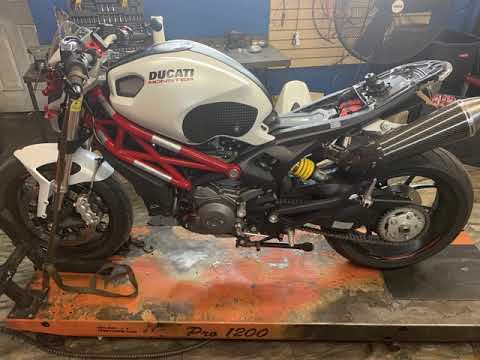
Here are the main instructions on how to remove and replace the rear wheel or tyre of the Ducati Monster 796 in simple steps. First, place the rear s…
Monster 797
In this guide, you will learn the procedure to remove and replace the starter motor on the Ducati Monster 796, following the instructions below. Firs…

Monster 797
Regular maintenance service is essential for ensuring the longevity and proper functioning of the engine; here’s how to perform it on a Ducati Monste…
|
How to Reset the Engine Oil Light on a Yamaha XMax 250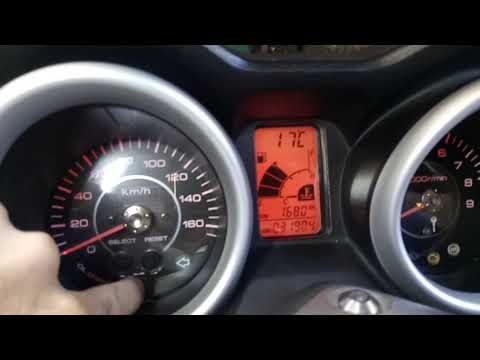
This short video demonstrates the procedure to reset the engine oil light on a Yamaha XMax 250 scooter. The operation is very simple and quick; first, insert the motorcycle key into the designated slot and turn it to the first position to power on the instrument panel without starting the vehicle. At this point, you will see the light on the display; simply press the "oil change" button located at the centre of the motorcycle's speedometer and hold it until the light stops flashing. The operation will then be complete; to verify success, turn off and then turn on the instrument panel. by ScegliAuto More videos
|
|
For advertising on this site Write to info@scegliauto.com
ScegliAuto is not responsible for any inaccuracy of the data in the lists. To report any inaccuracy or your business (if you own the business in question), please write to info@scegliauto.com
Number of seconds to generate the page: 0.029
(c) ScegliAuto 2026 - info@scegliauto.com - Privacy policy VAT number: IT01247470535 |
