
|
Do it yourself
| |||
| ||||


Fiat Fiat Various - Warning light – error codeWarning Light – Error Code Fiat Fiat Various ( / ) Fiat Fiat Various
 How to reset the odometer of a Fiat car Today we will illustrate the steps to reset the odometer on a Fiat vehicle. This description is solely intended to illustrate this possible function executable …Read all… Posted on 10 May 2024 by ScegliAuto  Fiat Fiat Various
 What to do if the engine lock indicator light appears on the dashboard of a Fiat car In this video we see what to do if a Fiat car's dashboard shows a warning light depicting a padlock and an engine. This usually happens after the key has …Read all… Posted on 21 April 2024 by ScegliAuto  Fiat Fiat Various
 How to Find and Enter the Unlock Code for the Fiat Radio? This video demonstrates how to find and enter the unlock code for the radio in a Fiat, a very simple and quick operation to perform, for example, after …Read all… Posted on 16 September 2026 by ScegliAuto  Fiat Fiat Various
 How to Reset the Maintenance Lights on a Fiat Ducato Camper Today, with the help of this video tutorial, we will show you how an authorised Fiat workshop resets the maintenance lights. The first step is to remove the …Read all… Posted on 27 July 2026 by ScegliAuto 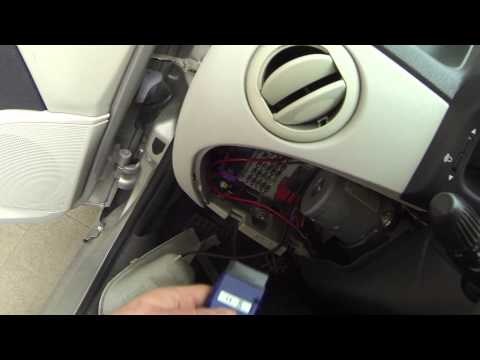 Fiat Fiat Various
 How to Reset the Fiat Group Car ECU To reset the error memory of the ECU, follow these steps: obtain an ODB cable to connect the PC to the diagnostic socket of the vehicle's ECU, usually located …Read all… Posted on 6 September 2026 by ScegliAuto 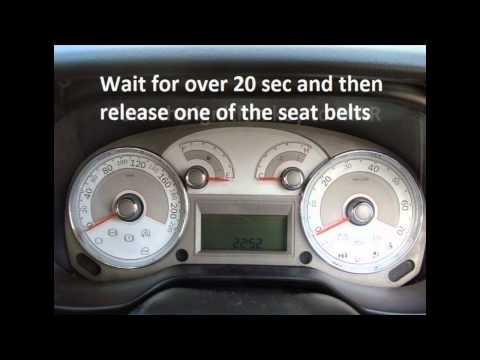 Fiat Fiat Various
 How to Reset the Seatbelt System on a Fiat Linea If you need to perform maintenance on one or more seatbelts in your Fiat Linea and want to temporarily disable the alarm system, simply follow these steps. …Read all… Posted on 15 August 2026 by ScegliAuto 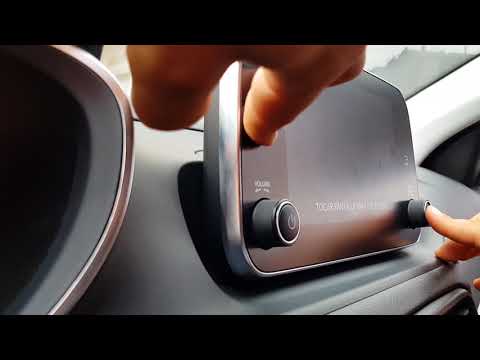 Fiat Fiat Various
 How to Reset the Uconnect System in My Fiat? If you need to reset the Uconnect system in your Fiat Tipo to default settings, follow the steps in the accompanying video. This guide applies to all models …Read all… Posted on 12 August 2026 by ScegliAuto 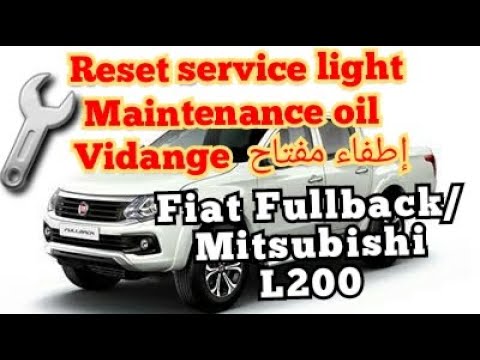 Fiat Fiat Various
 How to Reset the Service Light on the Fiat Fullback In today’s video, we will see how to reset the service warning on the Fiat Fullback (this also applies to its twin, the Mitsubishi L200). Start the operation …Read all… Posted on 27 June 2026 by ScegliAuto  Fiat Fiat Various
 How to Reset the Blue&Me System on a Fiat In this short video guide, we will cover a very simple and quick procedure that will allow you to reset the connection system between your phone and the …Read all… Posted on 12 March 2026 by ScegliAuto Airbag (2) Shocks (1) Car stereo (3) Battery (1) Transmission (2) Glow plugs (3) Control unit (6) Wheel rim (1) Key (10) Timing belt (3) Onboard computer (2) Checks and maintenance (3) Throttle body (1) Dashboard (1) Headlight (1) Air filter (1) Cabin air filter (1) Oil filter (1) Fuel injectors (1) Accessory kit (1) Light bulb (1) Headlight bulb (2) Handle (1) Engine (4) Engine oil (1) Clock (1) Door trim panel (1) Tires (1) Shift knob (1) Pump (1) Instrument cluster (5) Fuse box (5) Seat (1) Door lock (1) Rearview mirror (2) Warning light – error code (9) (1) Tire pressure warning light (1) Service warning light (8) Manufacturer emblem (3) Fuel cap (2) Windshield wipers (1) |
How to Reset the Tyre Pressure Light on the Opel Grandland X
While driving, if you notice the tyre pressure warning light coming on, first check the actual inflation pressure of the tyres and, if necessary, restore the pressures recommended by the manufacturer. After restoring the correct pressures, you need to reset the warning light that has illuminated on the instrument cluster. To do this, locate the reset button on the lower central console. Press this button and hold it down for at least 3 seconds, after which the low pressure indication will turn off. by ScegliAuto More videos
|
|
For advertising on this site Write to info@scegliauto.com
ScegliAuto is not responsible for any inaccuracy of the data in the lists. To report any inaccuracy or your business (if you own the business in question), please write to info@scegliauto.com
Number of seconds to generate the page: 0.008
(c) ScegliAuto 2026 - info@scegliauto.com - Privacy policy VAT number: IT01247470535 |
