
|
Do it yourself
| |||
| ||||


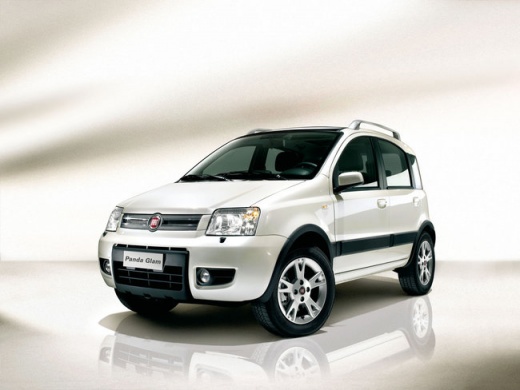
How to Remove the Wing Mirror on a Fiat Panda
Model: Fiat Panda
169, MK 2
- Years:
2003, 2004, 2005, 2006, 2007, 2008, 2009, 2010, 2011, 2012
Video tutorial
How do you remove the mirror on a Fiat Panda? This video shows how to remove an external wing mirror on a Panda. Detach the mirror adjustment lever by hand, then use a lever to remove the internal trim of the mirror (there are plastic clips). Once the trim piece is removed, unscrew the central securing bolt of the mirror. Remove the mirror along with the glass adjustment cables from the car door. For reassembly: reattach the mirror with the bolt, the adjustment cables, and the plastic trim to the door panel. Finally, test the correct operation of the mirror.
Updated on 27 February 2026 by ScegliAuto
Related tutorials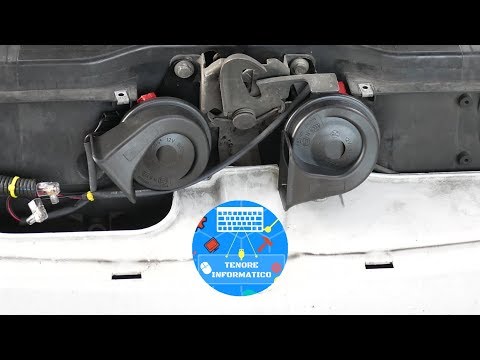
Fiat Panda
(2003-2012 /
169, MK 2)
Before you can begin, open the front bonnet of your Fiat Panda. Start by unscrewing and removing the screws that secure the front mask, then remove t…
Fiat Panda
(2003-2012 /
169, MK 2)
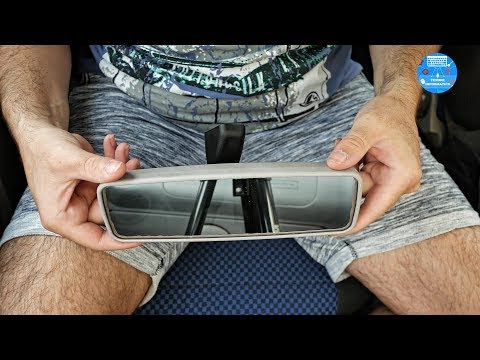
How to remove the interior rear view mirror on a Fiat Panda? Follow the mirror removal in the video: enter the vehicle, grasp the mirror located on t…
Fiat Panda
(2003-2012 /
169, MK 2)
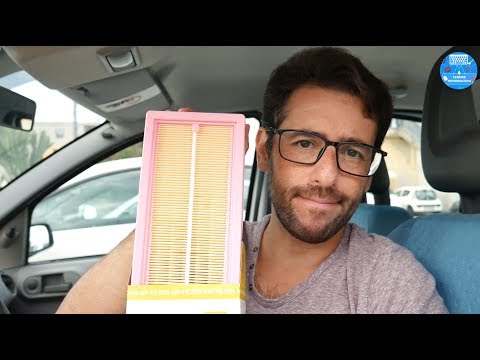
Before starting, open the bonnet of your Fiat Panda to gain access to the engine bay. Begin by unfastening the securing clips of the air filter cover…
Other guides you may be interested in |
How to Remove the Toll Tag Holder from the Car Windscreen
The toll tag holder is usually attached to the car windscreen to ensure that the toll tag functions immediately when passing through barriers. However, if you decide to remove the holder, you should follow this procedure: - Insert the toll tag into the holder; - Pull the holder inwards to detach it from the windscreen; you can use a glass scraper or a stiff plastic card to assist you; After removing the holder, it is essential to remove the adhesive from the windscreen. To remove the adhesive, we recommend using a solvent-based spray that will remove the glue without clouding the area. by ScegliAuto More videos
|
|
For advertising on this site Write to info@scegliauto.com
ScegliAuto is not responsible for any inaccuracy of the data in the lists. To report any inaccuracy or your business (if you own the business in question), please write to info@scegliauto.com
Number of seconds to generate the page: 0.023
(c) ScegliAuto 2026 - info@scegliauto.com - Privacy policy VAT number: IT01247470535 |
