
|
Do it yourself
| |||
| ||||


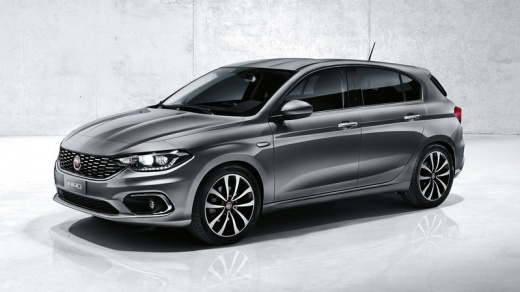
How do you activate CarPlay in the Fiat Tipo?
Model: Fiat Tipo
358, 356, 357
- Years:
2016, 2017, 2018, 2019, 2020, 2021, 2022, 2023, 2024, 2025, 2026
Video tutorial
In this video guide, we see the procedure for activating Carplay inside a Fiat Tipo. The operating principle is not complicated, it all relies on the Wireless or Bluetooth connection network, in fact, these technologies must be activated both on the same car radio and on the smartphone to be paired. Then, the Carplay network of the aforementioned smartphone is enabled, the search is started and as soon as the car radio is found, the association is authorized. From this moment on, you are able to transfer any activity from one device to another, such as videos, photos, satellite navigation, etc.
Posted on 2 September 2025 by ScegliAuto
Related tutorials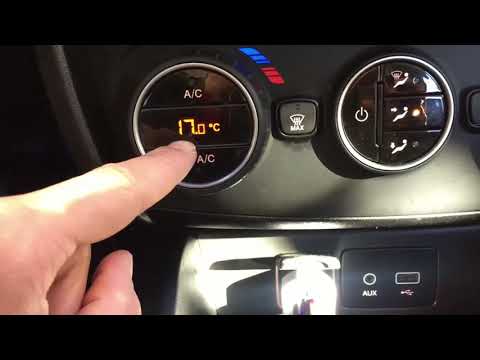
Fiat Tipo
(2016-2026 /
358, 356, 357)
In this guide, discover the steps to turn on and use the automatic air conditioning of the Fiat Tipo, as well as other models from the manufacturer. …
Fiat Tipo
(2016-2026 /
358, 356, 357)
The Service light reset on the Fiat Tipo cannot be performed using the appropriate commands within the onboard computer: to execute the reset, a diag…
Fiat Tipo
(2016-2026 /
358, 356, 357)
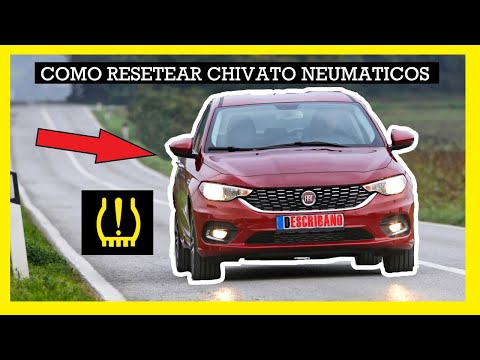
To reset the tyre pressure warning light on a Fiat Tipo, first inflate all the tyres to the recommended pressure value. The recommended pressure is w…
Other guides you may be interested in |
Frequently Asked QuestionsHow to Remove the Toll Tag Holder from the Car Windscreen
The toll tag holder is usually attached to the car windscreen to ensure that the toll tag functions immediately when passing through barriers. However, if you decide to remove the holder, you should follow this procedure: - Insert the toll tag into the holder; - Pull the holder inwards to detach it from the windscreen; you can use a glass scraper or a stiff plastic card to assist you; After removing the holder, it is essential to remove the adhesive from the windscreen. To remove the adhesive, we recommend using a solvent-based spray that will remove the glue without clouding the area. by ScegliAuto More videos
|
|
For advertising on this site Write to info@scegliauto.com
ScegliAuto is not responsible for any inaccuracy of the data in the lists. To report any inaccuracy or your business (if you own the business in question), please write to info@scegliauto.com
Number of seconds to generate the page: 0.011
(c) ScegliAuto 2026 - info@scegliauto.com - Privacy policy VAT number: IT01247470535 |
