
|
Do it yourself
| |||
| ||||


Video tutorial
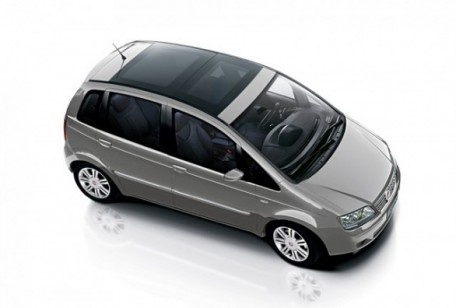
To remove the wheel on a Fiat Idea: open the boot and take the wheel removal kit which includes: jack, jack lever, screwdriver, wheel nut key (if present), telescopic key, spare wheel. Position the jack under the jacking point of the vehicle (under the stiffest part of the chassis), lift the car slightly and loosen the wheel nuts. Raise the car with the jack lever to the desired height, then unscrew the nuts and pull the wheel off the hub. Fit the spare wheel onto the hub with the respective nuts and lower the car. Always remember to store the removal kit with all its parts back in the boot after maintenance.
Updated on 5 March 2026 by ScegliAuto
Related tutorials
Fiat Idea
(2003-2016 /
MK 1)
Today, we will discover the steps to remove and replace the timing belt on a Fiat Idea 1.4 8V. First, lift the vehicle and start by removing the fron…
Fiat Idea
(2003-2016 /
MK 1)
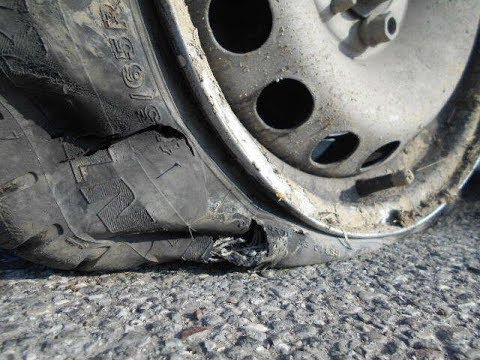
Learn how to replace a damaged wheel on a Fiat Idea: open the boot and take the wheel removal kit which includes: jack, jack lever, screwdriver, whee…
Fiat Idea
(2003-2016 /
MK 1)
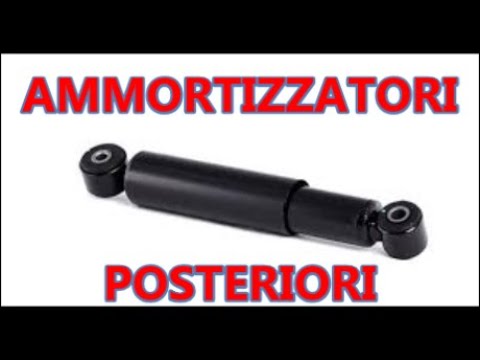
Replace the shock absorbers if they are worn and damaged on a Fiat Idea. Loosen the wheel nuts with a telescopic spanner, lift the car on a column li…
Other guides you may be interested in
|
How to lower the rear seats in the Peugeot 206?
In this tutorial, you will see how to lower the rear seats in the Peugeot 206, a very simple and quick operation, for example, if you need more space in the boot. First, open both the doors and the tailgate, then unclip the seat base and position it vertically. Next, remove the horizontal partition, locate the release levers at the ends of both seatbacks, and, by operating them, lower the seatbacks. To reassemble everything, simply follow the reverse procedure. by ScegliAuto More videos
|
|
For advertising on this site Write to info@scegliauto.com
ScegliAuto is not responsible for any inaccuracy of the data in the lists. To report any inaccuracy or your business (if you own the business in question), please write to info@scegliauto.com
Number of seconds to generate the page: 0.080
(c) ScegliAuto 2026 - info@scegliauto.com - Privacy policy VAT number: IT01247470535 |
