
|
Do it yourself
| |||
| ||||


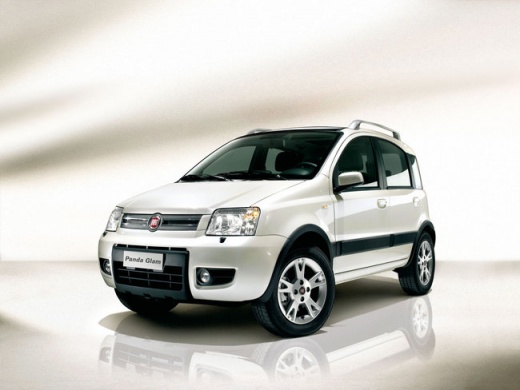
How to Change Car Headlight Bulbs
Model: Fiat Panda
169, MK 2
- Years:
2003, 2004, 2005, 2006, 2007, 2008, 2009, 2010, 2011, 2012
Video tutorial
The method for replacing the front headlight bulb in a car is common among many vehicles, and in this video, we have an example with the Fiat Panda. With the instrument cluster off, open the bonnet and remove the rear dust cover of the headlight, unclip the metal clip present, pull the bulb holder outwards, and consequently the bulb to be replaced, whether it is high beam or dipped beam. Once here, replace the bulb, and before reassembling everything, turn on the lights to check that everything works. Done, the job is easily completed.
Posted on 20 March 2026 by ScegliAuto
Related tutorials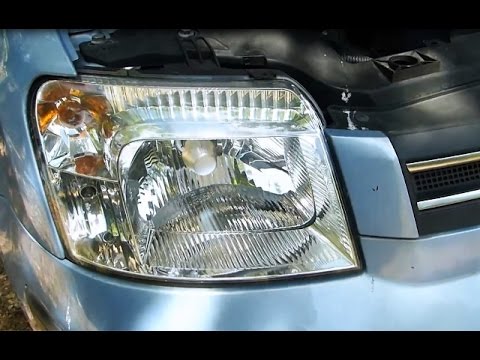
Fiat Panda
(2003-2012 /
169, MK 2)
Are the headlight bulbs on your Panda damaged? Not lighting up anymore? Here's how to change them. Open the bonnet by pulling the lever located at th…

Fiat Panda
(2012-2026 /
319, MK 3)
In this video, we will see the main steps to remove the rear light and replace the bulbs on a Fiat Panda 319, third series. First, open the boot lid …
Fiat Panda
(2012-2026 /
319, MK 3)
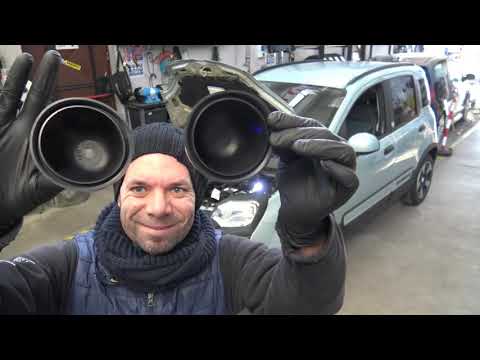
In today's video, you will learn how to install LED lights in the front headlights of the Fiat Panda. First, ensure the vehicle is cold, as you will …
Other guides you may be interested in
|
How to Enter the Unlock Code for the Radio in the Nissan Micra?
In this tutorial, you will see how to enter the unlock code for the radio in the Nissan Micra, a very simple operation to perform in case of memory loss after replacing the battery. The code can be found in the documents provided at purchase or through one of the various online recovery services. First, turn on the instrument panel, then repeatedly press the "1" button until you reach the first digit of the code. Follow the same logic to enter the remaining 3 digits using the "2", "3", and "4" buttons, and confirm the entry with the up arrow button. by ScegliAuto More videos
|
|
For advertising on this site Write to info@scegliauto.com
ScegliAuto is not responsible for any inaccuracy of the data in the lists. To report any inaccuracy or your business (if you own the business in question), please write to info@scegliauto.com
Number of seconds to generate the page: 0.090
(c) ScegliAuto 2026 - info@scegliauto.com - Privacy policy VAT number: IT01247470535 |
