
|
Do it yourself
| |||
| ||||


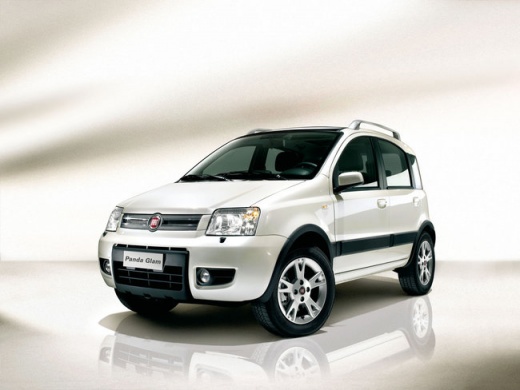
Replace Headlight Bulbs on a Fiat Panda
Model: Fiat Panda
169, MK 2
- Years:
2003, 2004, 2005, 2006, 2007, 2008, 2009, 2010, 2011, 2012
Video tutorial
Are the headlight bulbs on your Panda damaged? Not lighting up anymore? Here's how to change them. Open the bonnet by pulling the lever located at the bottom right of the dashboard and secure it with the prop rod. Locate the headlight inspection cap and detach it from the back (large plastic cap). Once here, you will find the bulbs with metal clips; pull the bulb holders out of the headlight and extract the damaged bulbs using a screwdriver. Fit the new bulbs (always the correct type and size) and insert the bulb holder back into the headlight housing. Start the vehicle with the key and test the lights on the Panda.
Updated on 16 March 2026 by ScegliAuto
Related tutorials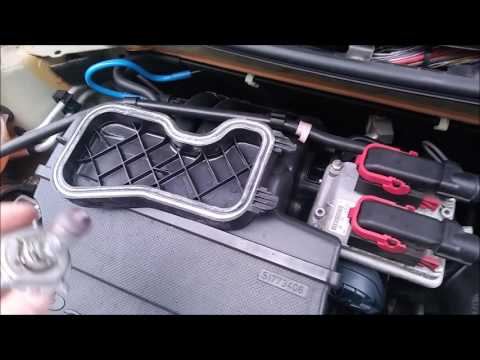
Fiat Panda
(2003-2012 /
169, MK 2)
Are the bulbs blown in the front headlight of your Fiat Panda? Here’s how to replace them. Lift the bonnet and secure it. Remove the cap covering the…

Fiat Panda
(2012-2026 /
319, MK 3)
Today we will explain how to replace the rear headlight bulbs of a Fiat Panda 3 vehicle. The bulbs we suggest using for replacement are the Bolch mod…
Fiat Panda
(2003-2012 /
169, MK 2)
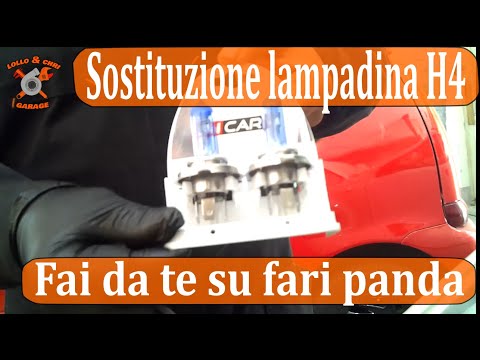
Replacing the front headlight bulbs in the Fiat Panda is a very simple task that you can do independently, aided by this video tutorial that will exp…
Other guides you may be interested in
|
How to Set the Time on an Audi A6
Briefly, we will see the instructions to set the time on the Audi A6 by following these simple steps. First, get inside the vehicle and turn on the instrument cluster; then press the settings button and navigate to the time option to confirm your choice, as shown in the video. At this point, set the correct time and format, then exit the settings menu to save the changes made; finally, start the engine and ensure that the time has been set correctly! by ScegliAuto More videos
|
|
For advertising on this site Write to info@scegliauto.com
ScegliAuto is not responsible for any inaccuracy of the data in the lists. To report any inaccuracy or your business (if you own the business in question), please write to info@scegliauto.com
Number of seconds to generate the page: 0.147
(c) ScegliAuto 2026 - info@scegliauto.com - Privacy policy VAT number: IT01247470535 |
