
|
Do it yourself
| |||
| ||||


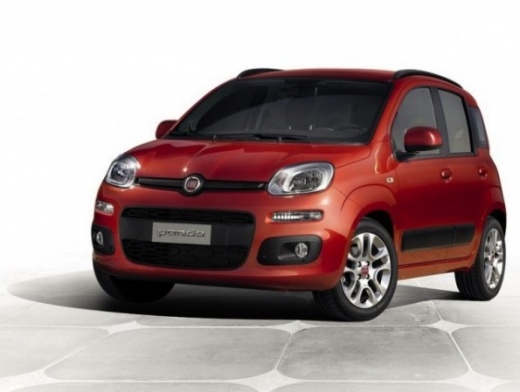
Fiat Panda service warning light reset
Model: Fiat Panda
319, MK 3
- Years 2012-2024
In this video we will see the steps to be able to reset the service light of the ordinary maintenance of the oil change of a Fiat Panda, but also on other car models of the manufacturer. To do this we need to get an OBD control unit in the appropriate socket; then through this diagnostic tool we will connect the computer and with the specific software we will select the make and model of the vehicle. Through a scan we will go to see any errors in the car: then follow the reset procedure to be able to reset the maintenance warning light!
Posted on 23 June 2021 by ScegliAuto
This video is currently unavailable
Related tutorials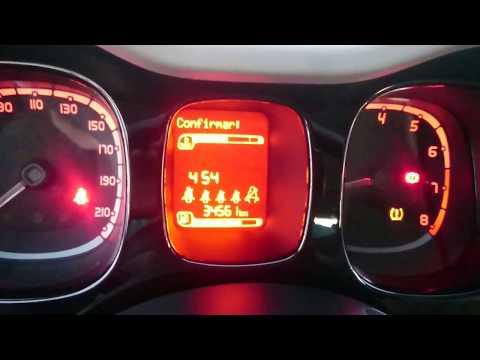
Fiat Panda
(2012-2024 /
319, MK 3)
When the tyre pressure light appears on your Fiat Panda, what should you do? Follow these steps. To reset the tyre pressure light, turn on the instru…
Fiat Panda
(2003-2012 /
169, MK 2)
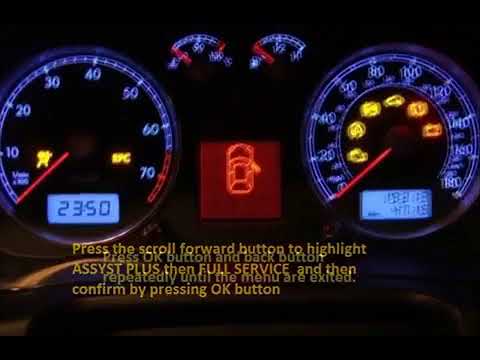
To be able to reset the maintenance indicator of the reset service of your Fiat Panda, let's first enter the car body. At this point we turn on the i…
Fiat Panda
(2012-2024 /
319, MK 3)
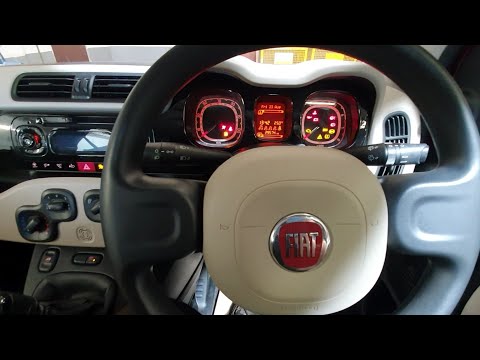
What to do if a light appears? Let’s see how to reset the tyre pressure light on a Fiat Panda. To reset the tyre pressure light: turn on the ignition…
Other guides you may be interested in
|
Frequently Asked QuestionsResetting the Service on the Fiat 500X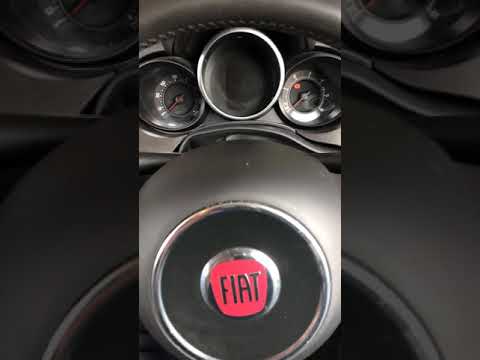
Resetting the service on a Fiat 500X? Let's see how to reset it from inside the car. Enter the cabin and turn on the instrument cluster using the button next to the steering wheel. Press the accelerator pedal three times in quick succession, then release the pedal, turn off the instrument cluster, and then turn it back on, waiting for it to illuminate. Always remember to make changes to the onboard computer with the engine off. Check the changes made on the car. Turn off the instrument cluster after setting. by ScegliAuto More videos
|
|
For advertising on this site Write to info@scegliauto.com
ScegliAuto is not responsible for any inaccuracy of the data in the lists. To report any inaccuracy or your business (if you own the business in question), please write to info@scegliauto.com
Number of seconds to generate the page: 0.157
(c) ScegliAuto 2026 - info@scegliauto.com - Privacy policy VAT number: IT01247470535 |
