
|
Do it yourself
| |||
| ||||



Replacing the Fuel Pump and Float on a Fiat Panda 169
Model: Fiat Panda
169, MK 2
- Years:
2003, 2004, 2005, 2006, 2007, 2008, 2009, 2010, 2011, 2012
Video tutorial
In this video guide, you will learn how to disassemble and replace the fuel float pump on a Fiat Panda 169. First, remove the bolts from the rear seat to take out the bench; then remove the plastic cover of the pump and disconnect the electrical connector and the fuel hose. At this point, unscrew the retaining ring using the appropriate tool; if you do not have this tool, use a flat screwdriver and tap it with a hammer. Finally, remove the float pump and replace it with the new one!
Updated on 4 May 2026 by ScegliAuto
Related tutorials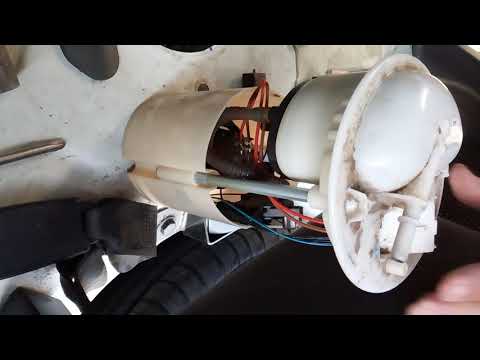
Fiat Panda
(2003-2012 /
169, MK 2)
In this video tutorial, you will learn how to replace the fuel pump on a Fiat Panda. First, you need to remove the rear seats as the pump is located …
Fiat Panda
(2003-2012 /
169, MK 2)
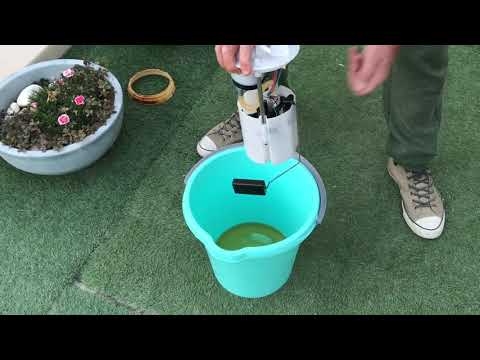
In this tutorial, you will learn how to remove and replace the fuel pump or low-pressure fuel sender on a Fiat Panda 4x4 (169). First, open the rear …
Fiat Panda
(2003-2012 /
169, MK 2)
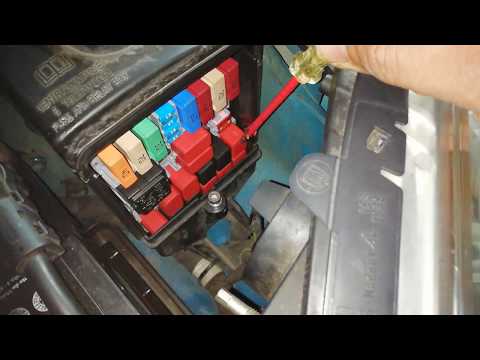
Before starting, open the front bonnet of your Fiat Panda. The fuel pump relay is located inside the fuse box, which is in the engine compartment nea…
Other guides you may be interested in
|
Where are the fuses located on the Renault Laguna?
On the Renault Laguna, the fuses are located inside the fuse boxes installed in the vehicle: in this car model, you will find two boxes for containing the fuses. The first is in the fuse box on the left side of the dashboard, accessible by opening the driver's door: here you will find the fuses for the windscreen wipers, fog lights, horn, etc. The second box is located on the right side of the engine compartment: here you will find the fuses for the dipped headlights, radiator fan, alternator, etc. by ScegliAuto More videos
|
|
For advertising on this site Write to info@scegliauto.com
ScegliAuto is not responsible for any inaccuracy of the data in the lists. To report any inaccuracy or your business (if you own the business in question), please write to info@scegliauto.com
Number of seconds to generate the page: 0.038
(c) ScegliAuto 2026 - info@scegliauto.com - Privacy policy VAT number: IT01247470535 |
